Your money, summed up, privately.
Every account, budget, receipt, bill and statement in one ledger on your iPhone and your Mac. See what's safe to spend, keep the books reconciled, and never hunt for a receipt again. Your ledger is sealed on your devices with a key only you hold, so we can't read it, and nobody else can either.
End-to-end encrypted. Works offline. Free trial, no card needed.
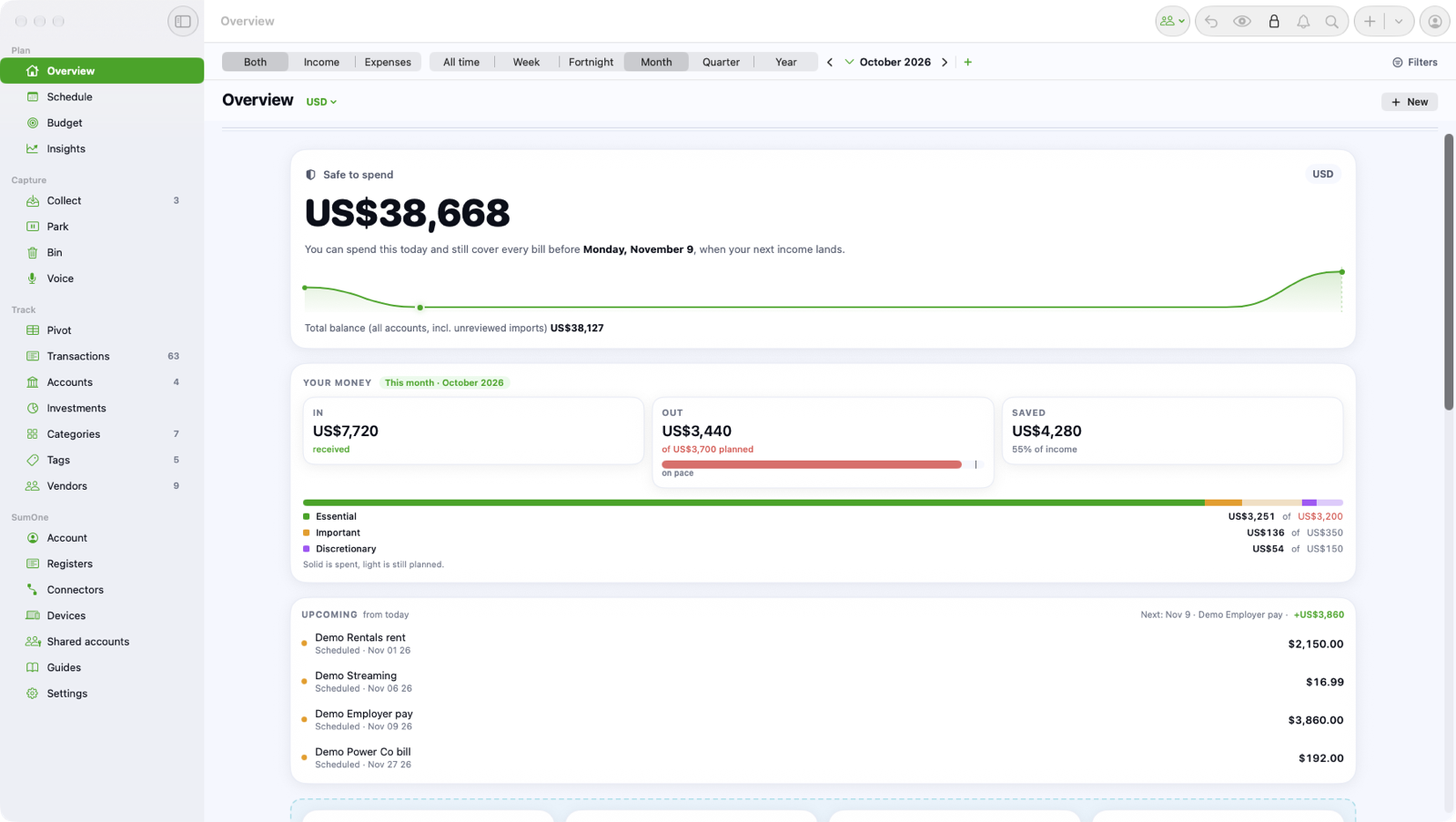
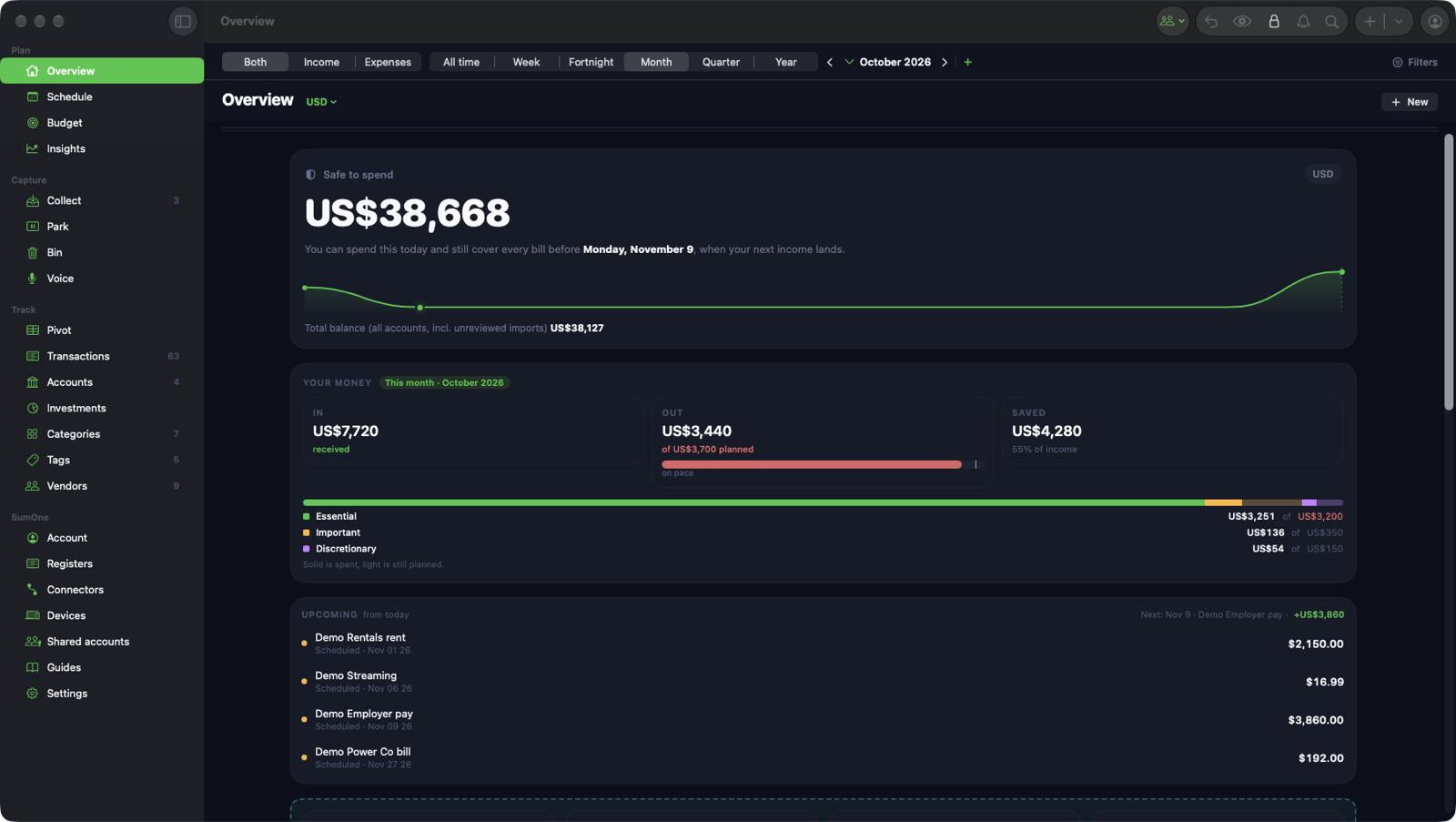
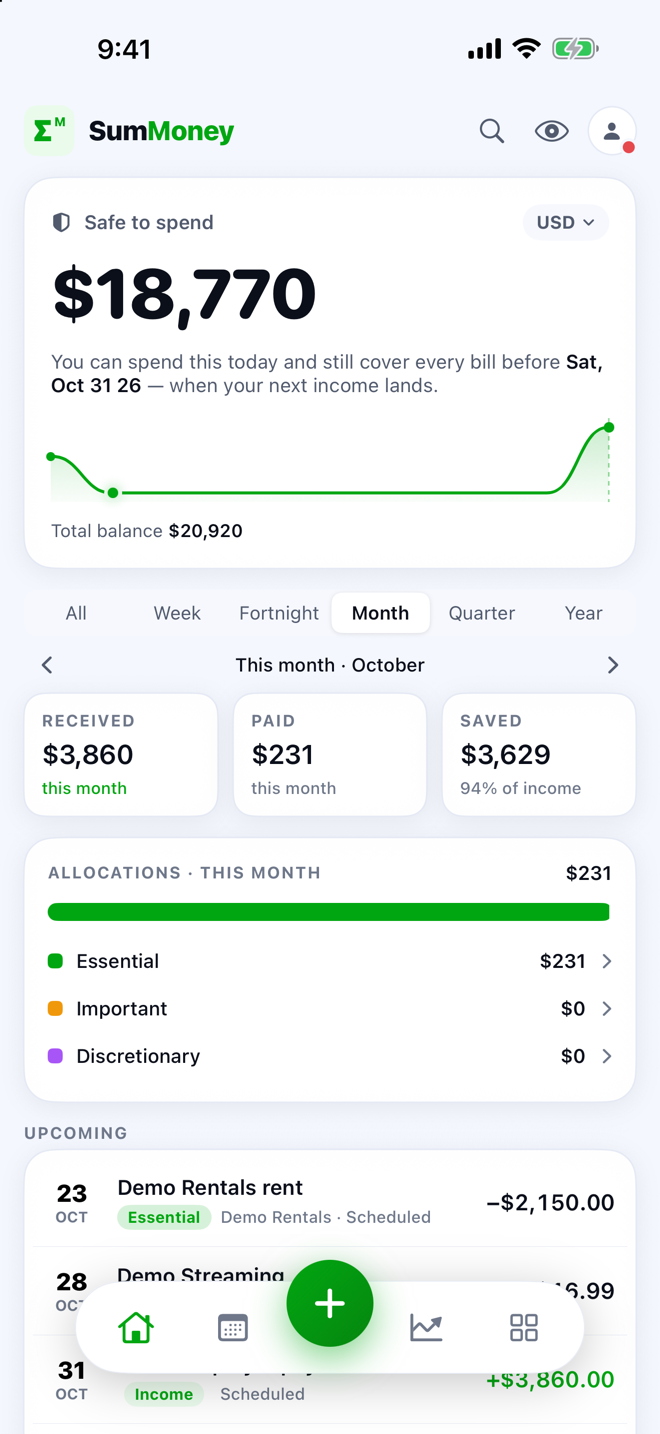
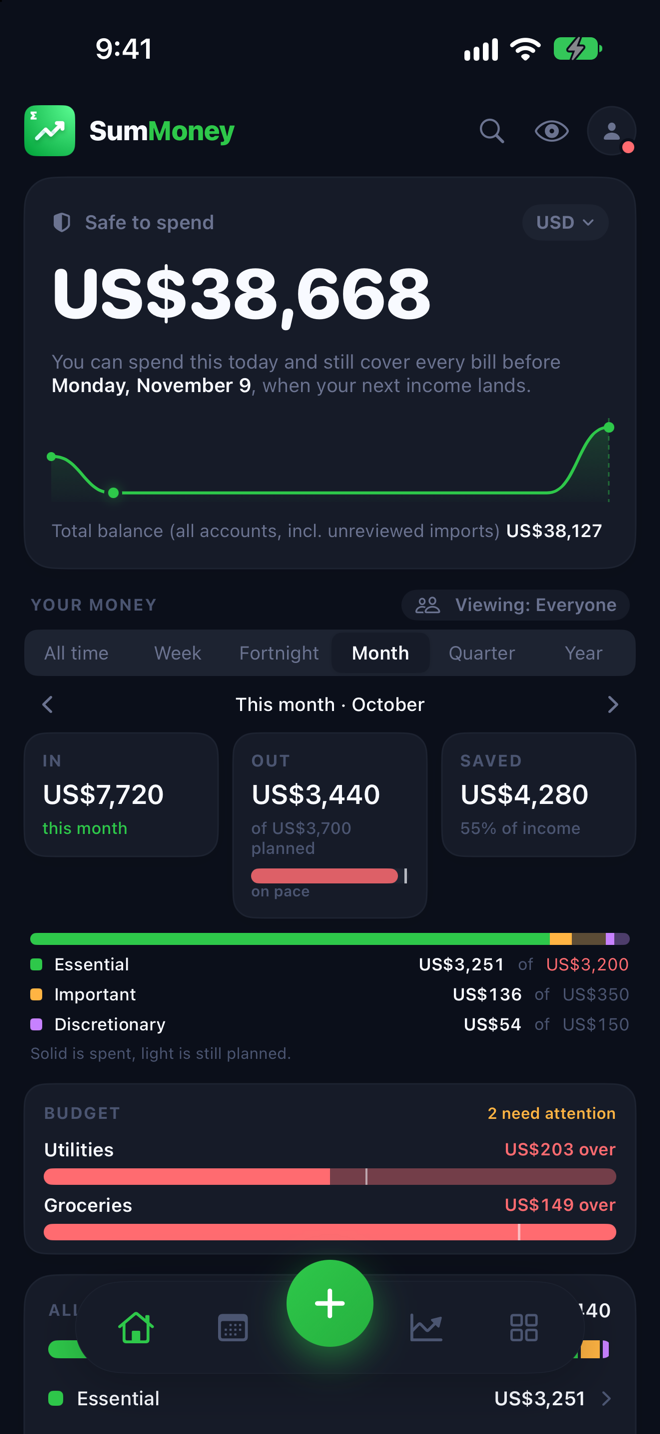
iPhone and Mac
One ledger. A phone for the day, a Mac for the desk.
SumMoney is a full Mac app and a full iPhone app, not a phone app stretched to a window. Each does what that device is best at, and they meet in the middle, sealed end to end.
On your iPhone, the whole ledger in your pocket
Snap receipts with the camera, log a coffee by voice, get a reminder the morning a bill is due, and see what's safe to spend from a widget without opening the app.
On your Mac, the full desk
A sidebar of every section, a register you can work in for hours, pivot tables, statement batches, and files you drop straight onto the window. Quick add with a keystroke, and a Quick Find that jumps to any section or transaction.
One ledger, both devices
Pair your iPhone and Mac with a code and every change meets on both, sealed end to end. Bank feeds your Mac brings in are on your phone by the time you look.
See everything
Every account, one honest number.
Banks, cards and cash in one ledger, and the one figure that matters worked out for you: what you can spend today and still cover every bill before your next pay.
Safe to spend, worked out for you
The Overview takes every bill between now and your next income off your balance and shows the number you can actually spend today, with the runway charted to payday.
Connect your bank
Link a bank on your Mac and new transactions arrive on their own: through Plaid in the United States and Canada, Basiq in Australia, and Revolut Business directly. Cash and cards you key in sit beside them in one list.
Find anything
Search by words, then narrow by account, status, allocation, period or tag. Save a search and it becomes a tile you can open from either device.
Insights that explain the month
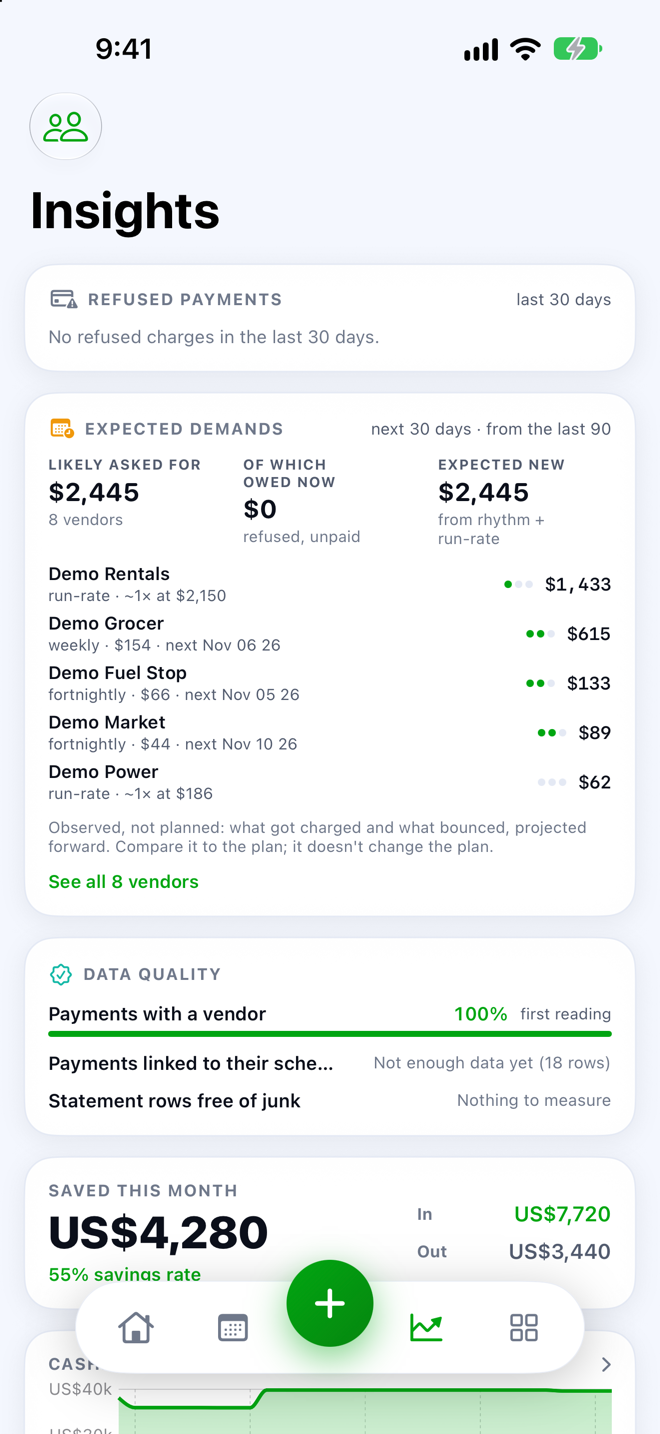
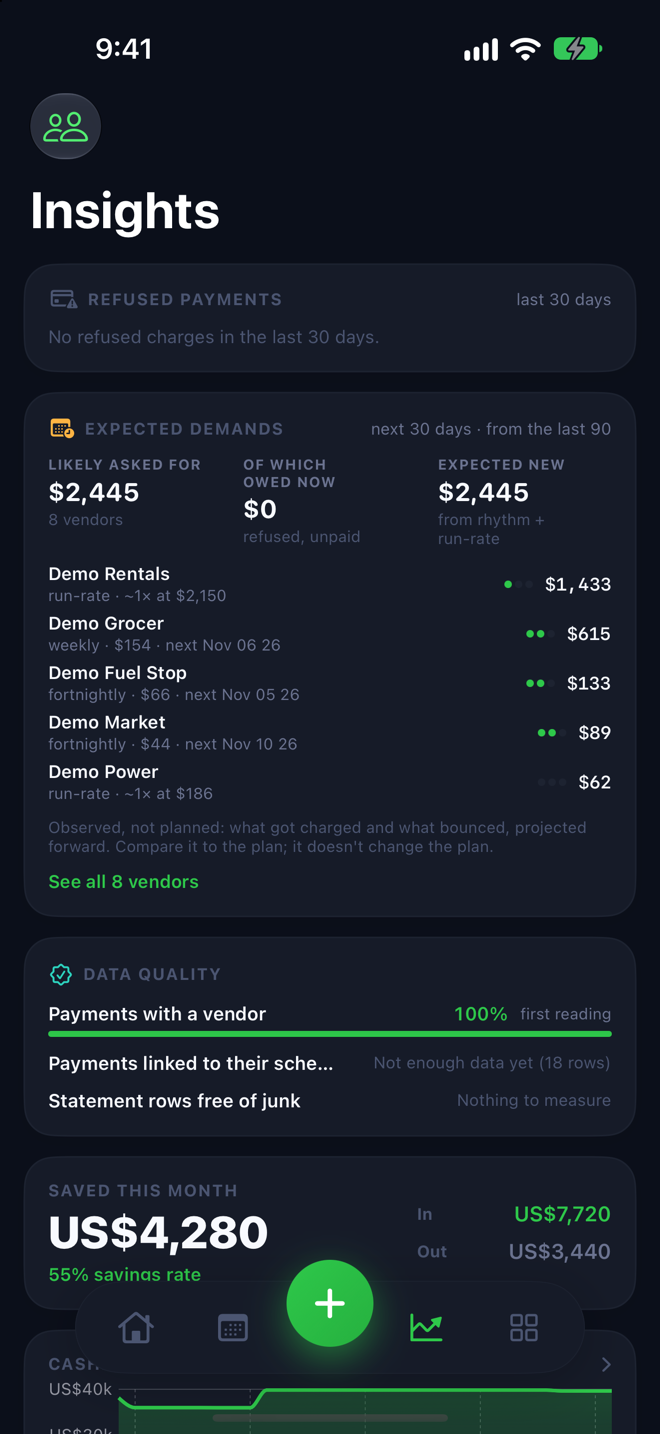
Trends by category, a forecast of where the month lands, what changed against your expectations, and which vendors are quietly creeping up.
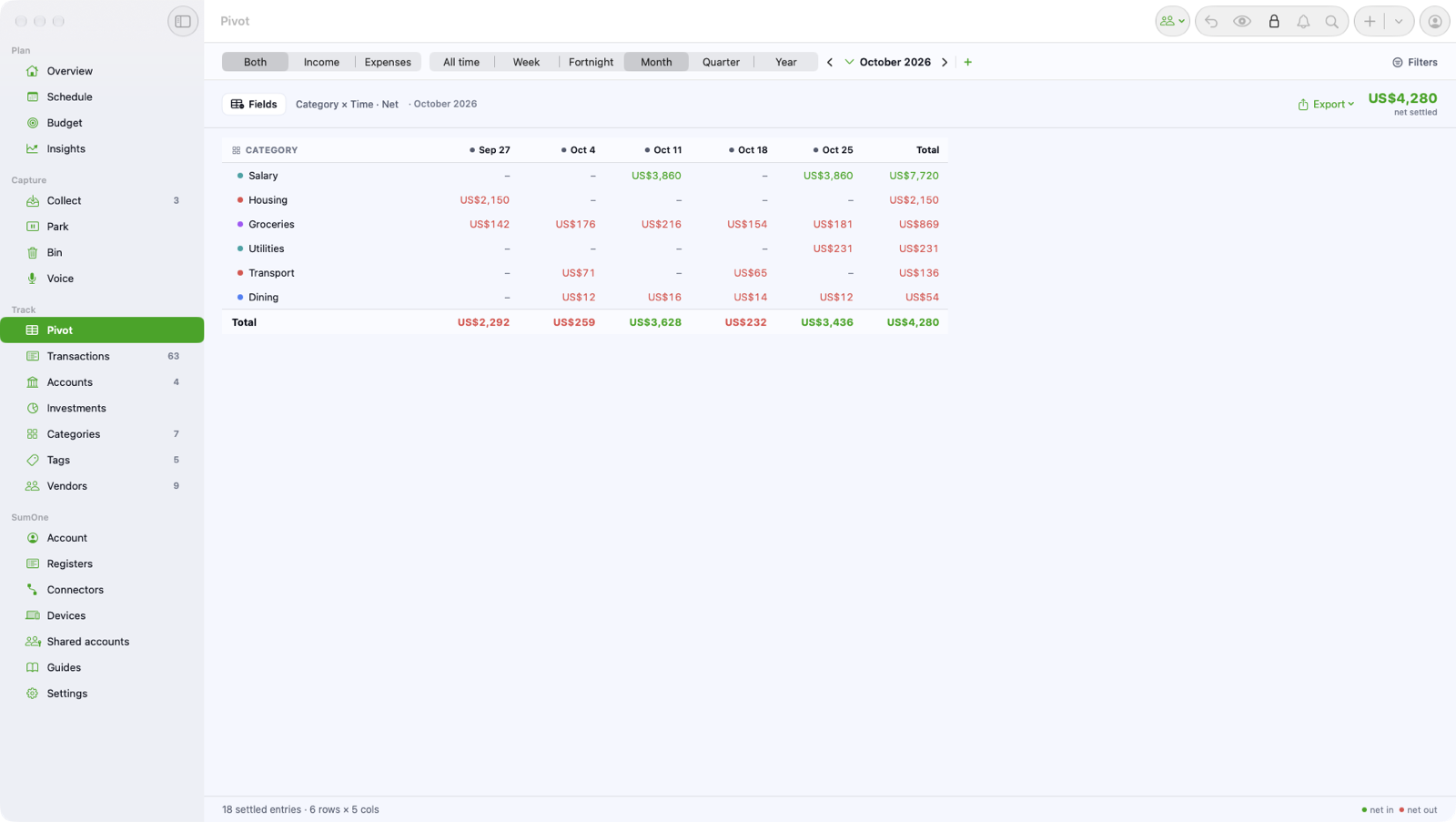
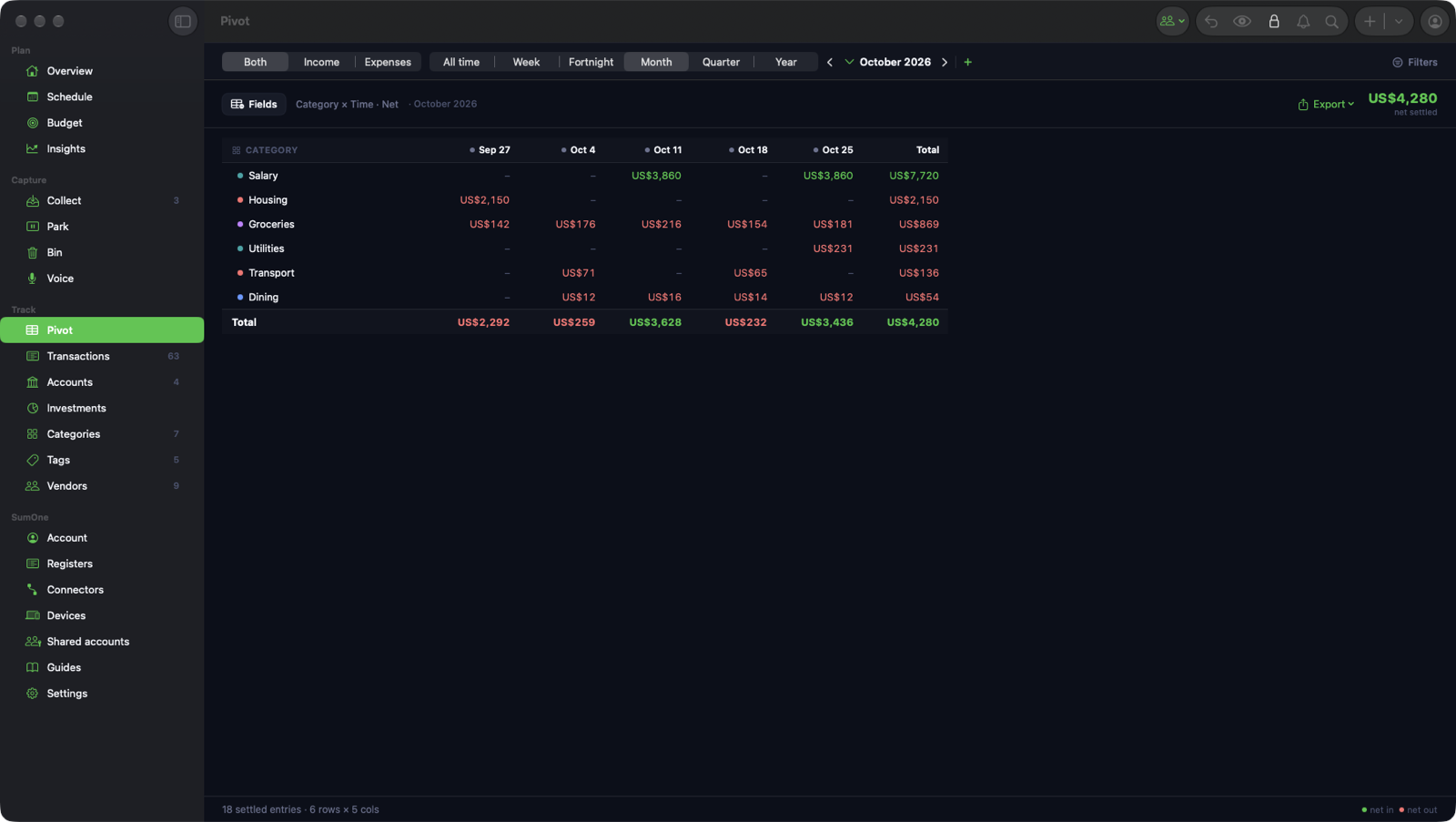
Pivot tables on the Mac
Cut your ledger any way you like: category by month, vendor by account, tag by quarter. Copy the table or save it as CSV for your accountant.
Every currency, one total
Each transaction keeps its own currency and the Overview sums them in the one you choose, so a card in euros and an account in dollars still add up.
Stay on plan
A budget that knows what's already spoken for.
Categories, tags, vendors and allocations give every dollar a name, and the budget counts the bills still to come before it tells you what's free.
Budgets that count what's committed
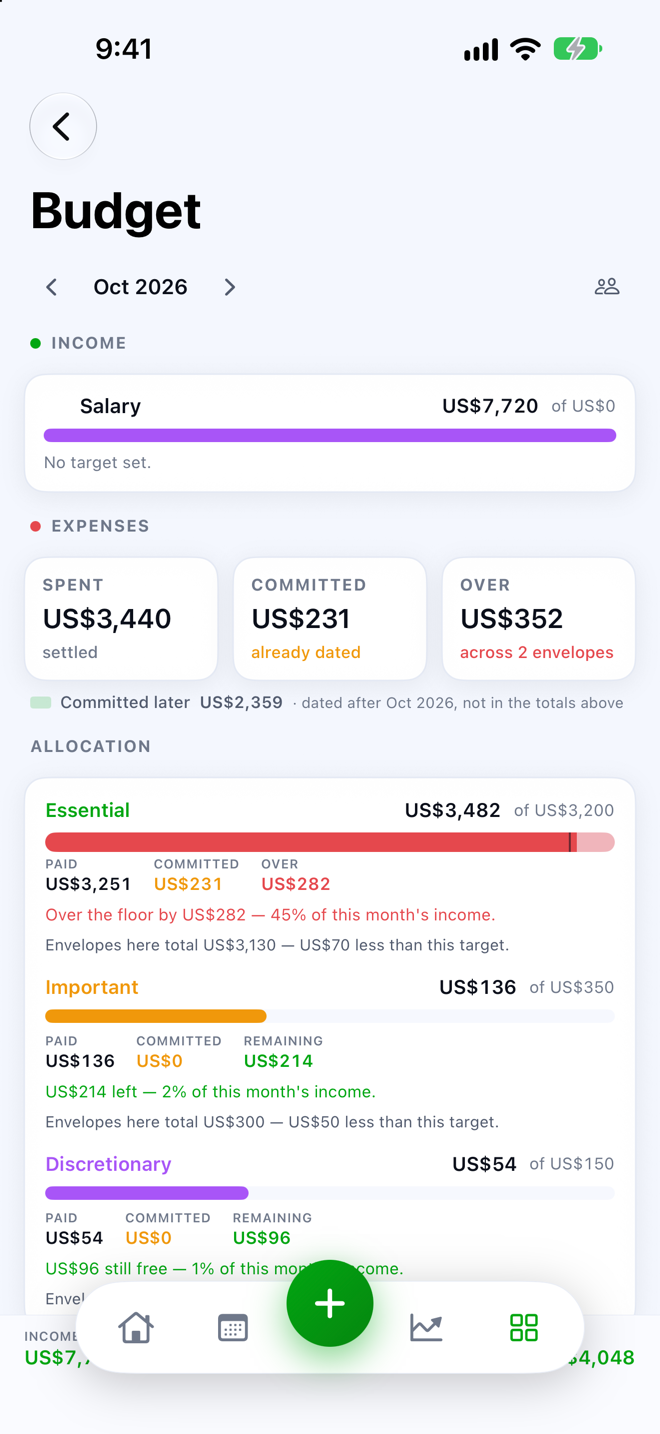
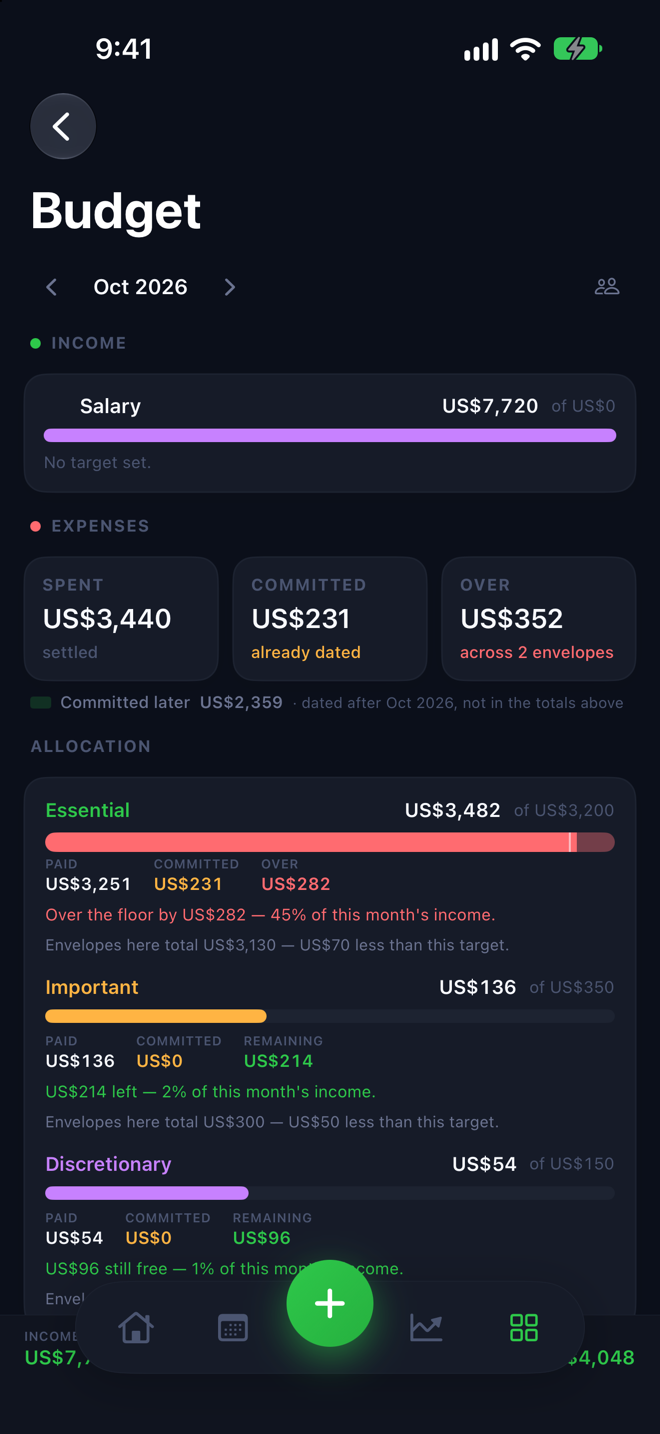
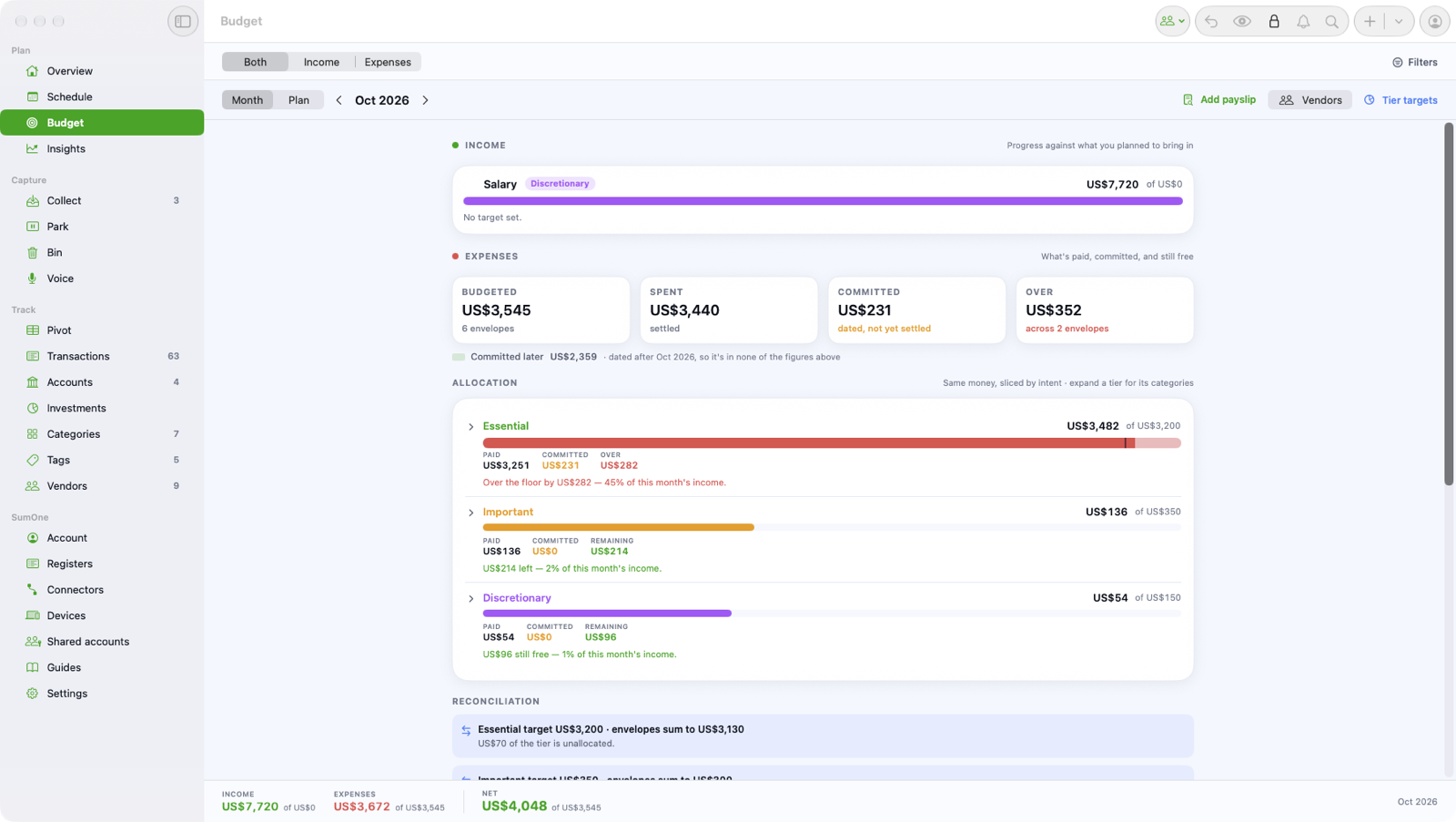
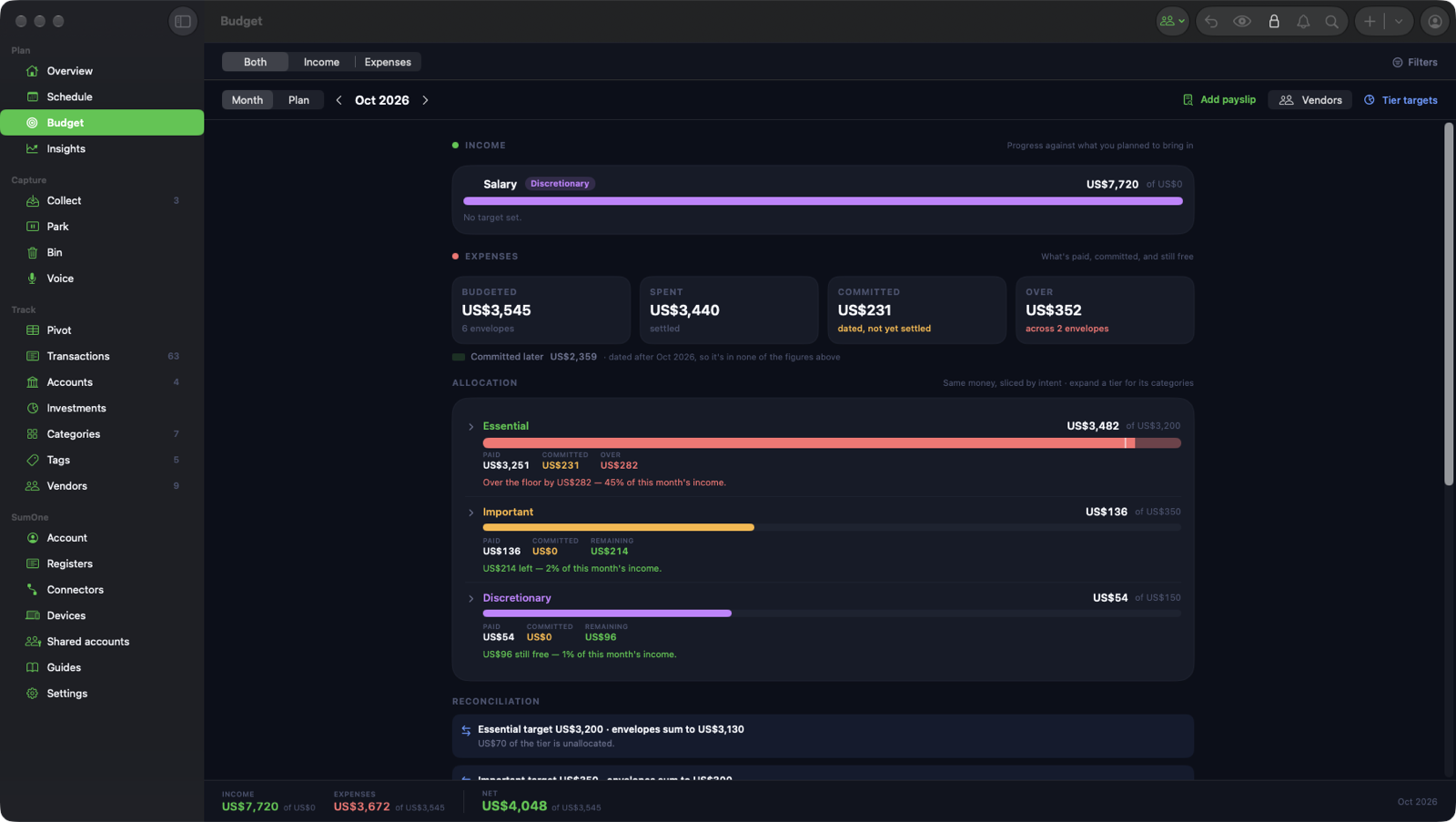
Set a monthly amount per category and watch it split into spent, committed to bills still coming, and free. SumMoney proposes a budget from your own six months of history to start you off.
Essential, important, discretionary
Every expense carries an allocation, set by its category or vendor and changed with a tap. The Overview shows the month as one bar, so you see at once how much of your spending was a choice.
Categories that learn
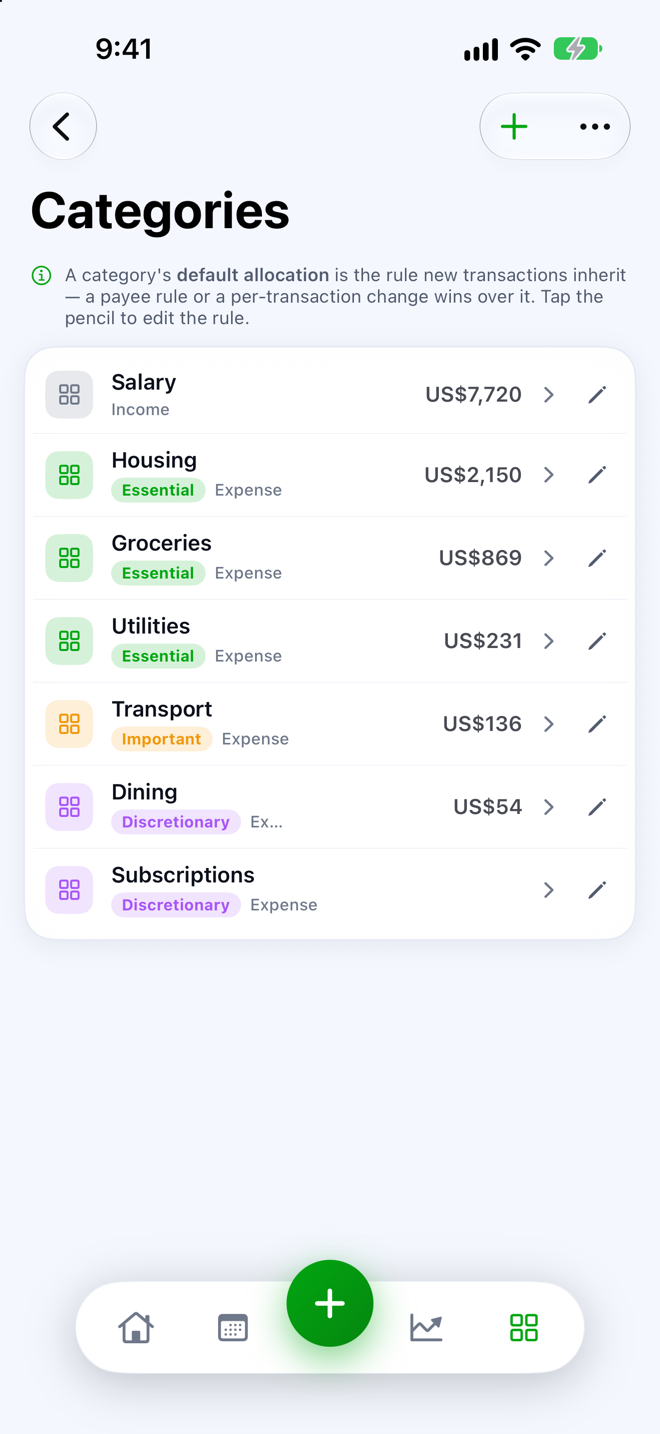
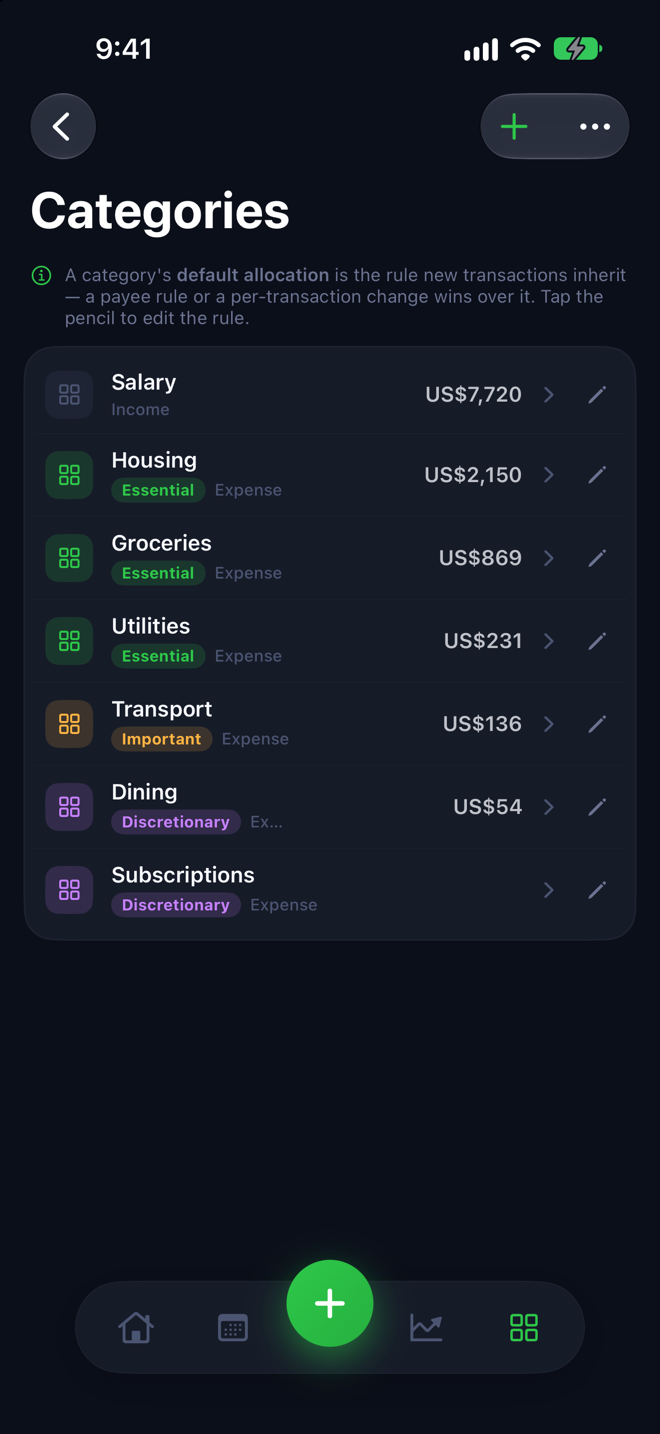
A category tree you shape yourself. Refile a vendor once and SumMoney offers to do it the same way next time; turn a rule on and the refiling happens for you, undo any time.
Tags across everything
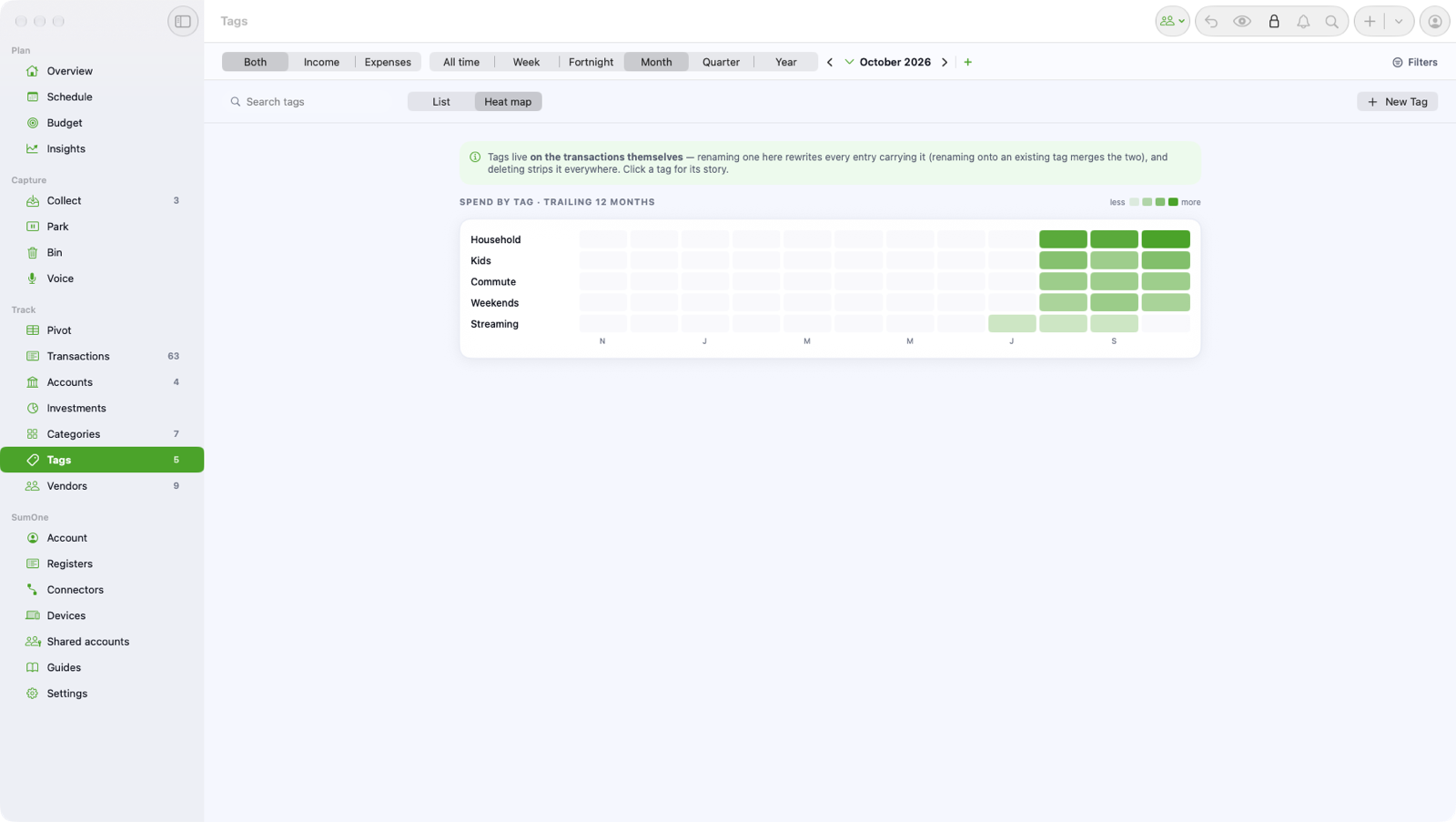
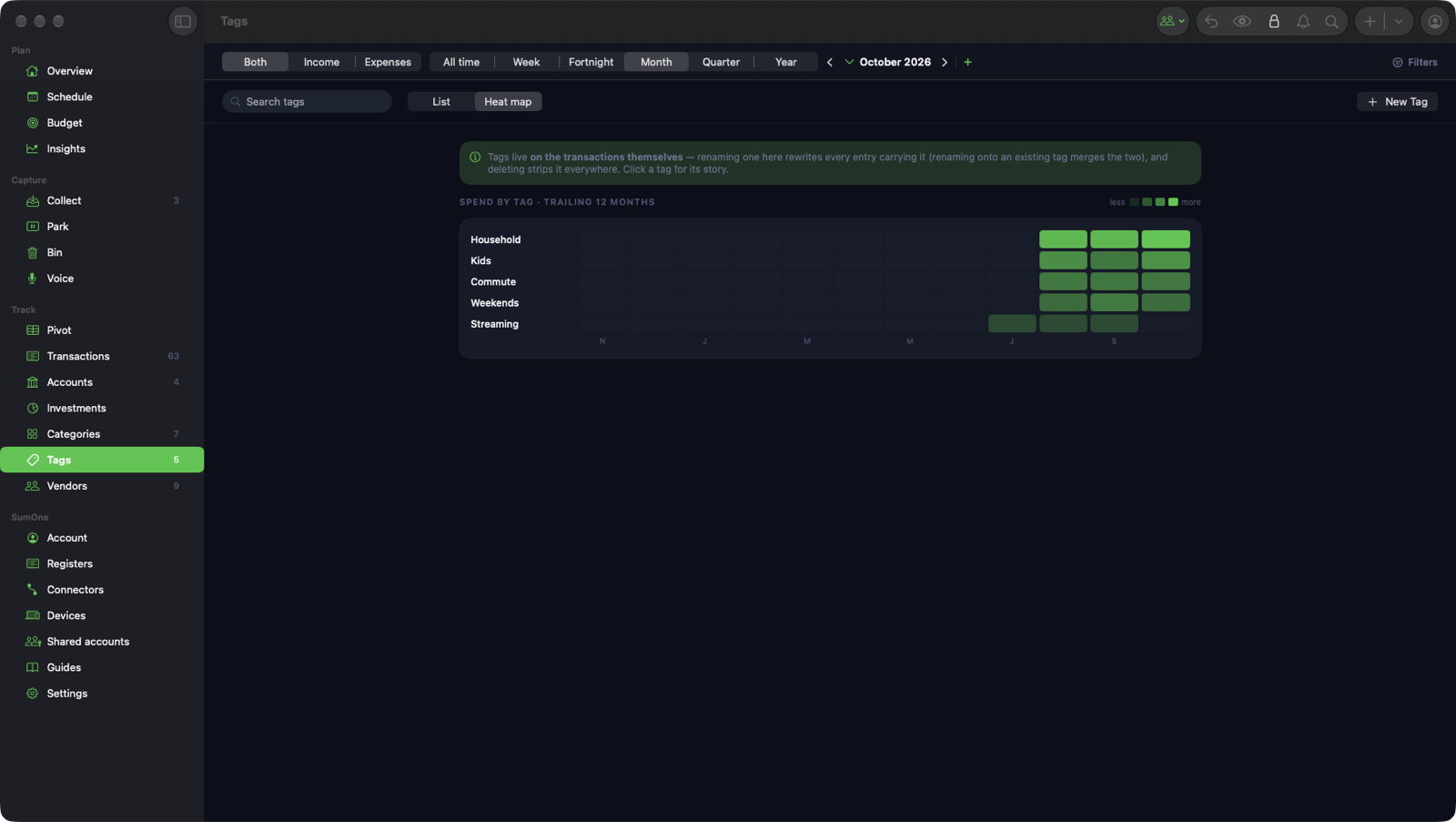
Tag a holiday, a renovation or a side business across any category or account. Search by tag on either device; on the Mac, see tags as a heat map and pivot on them.
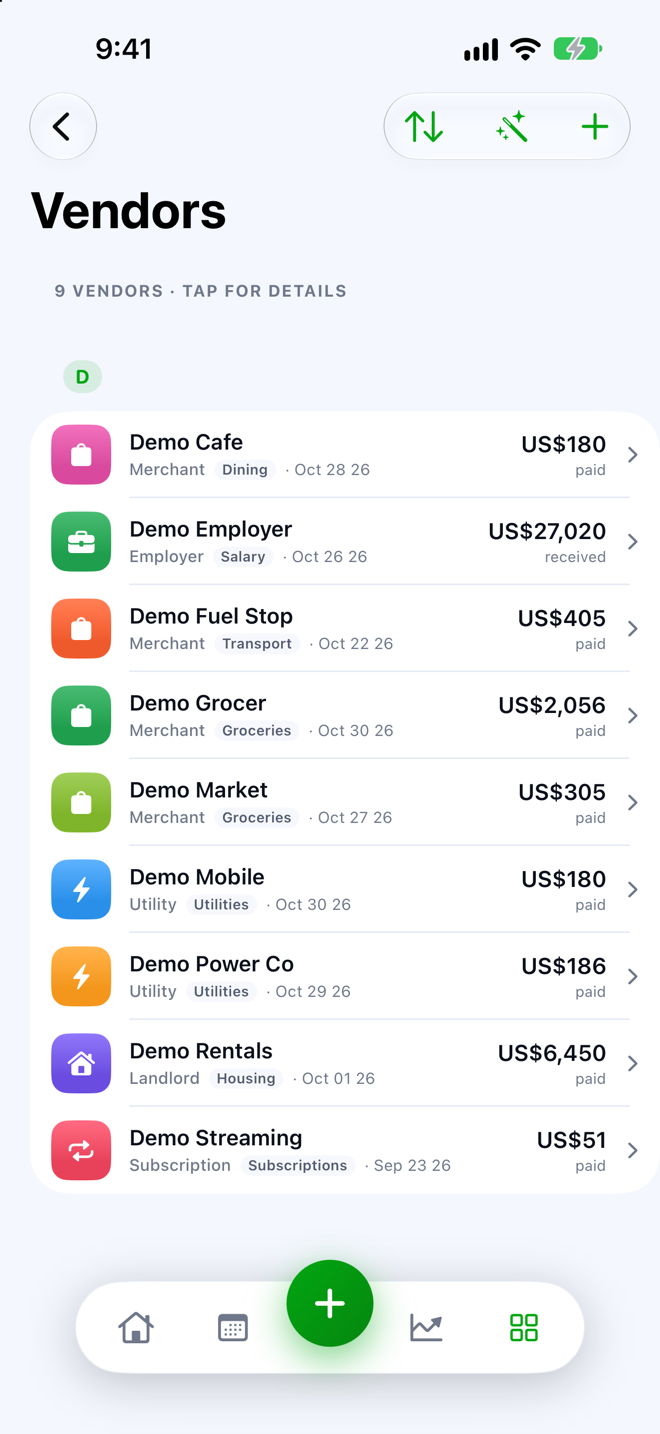
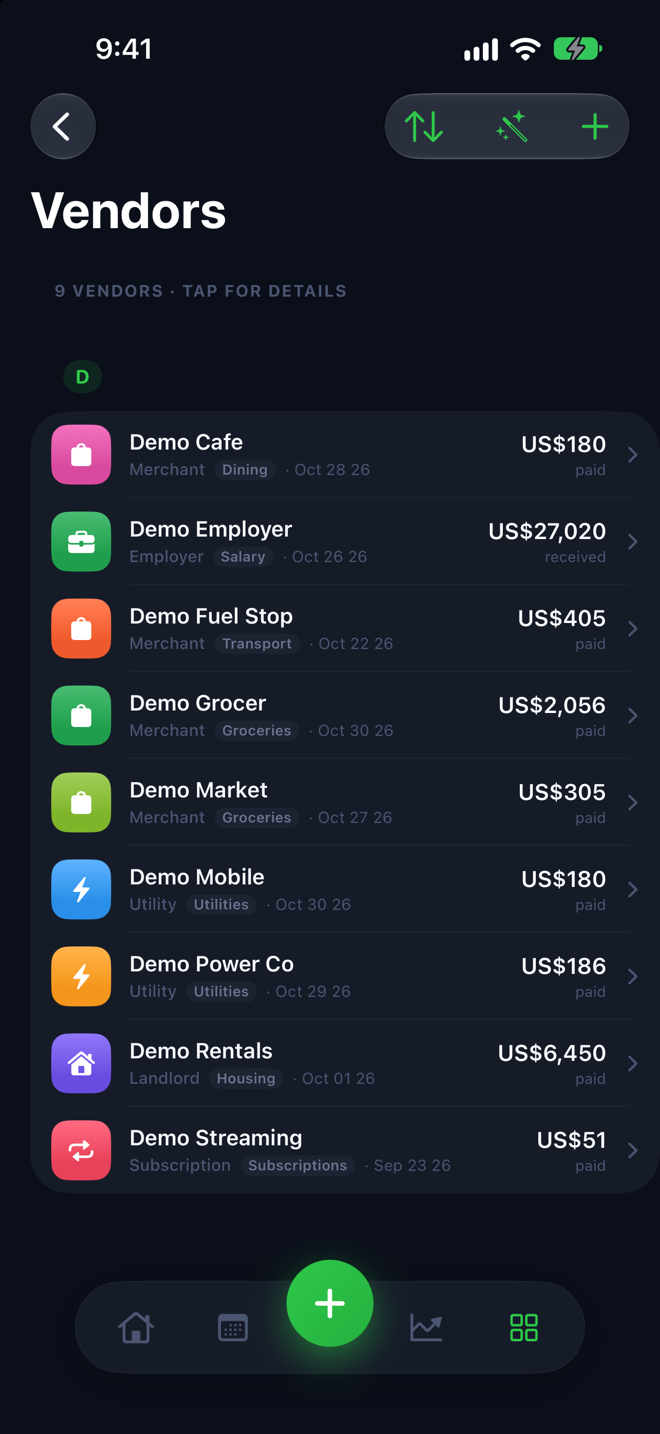
Vendors you recognise
Bank descriptions become vendors with a name, a logo and a page of everything you've paid them. Duplicates merge, and each vendor carries its own category and allocation.
Never lose a receipt
Collect files it, however it reaches you.
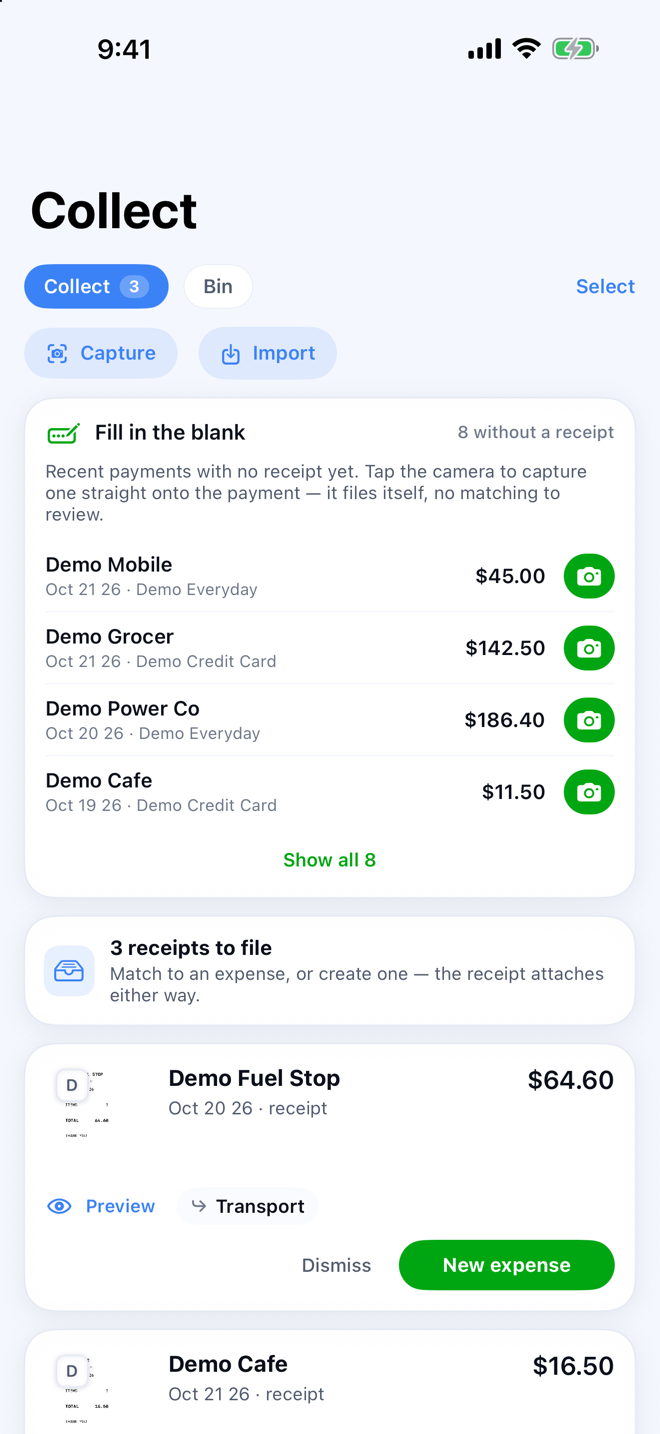
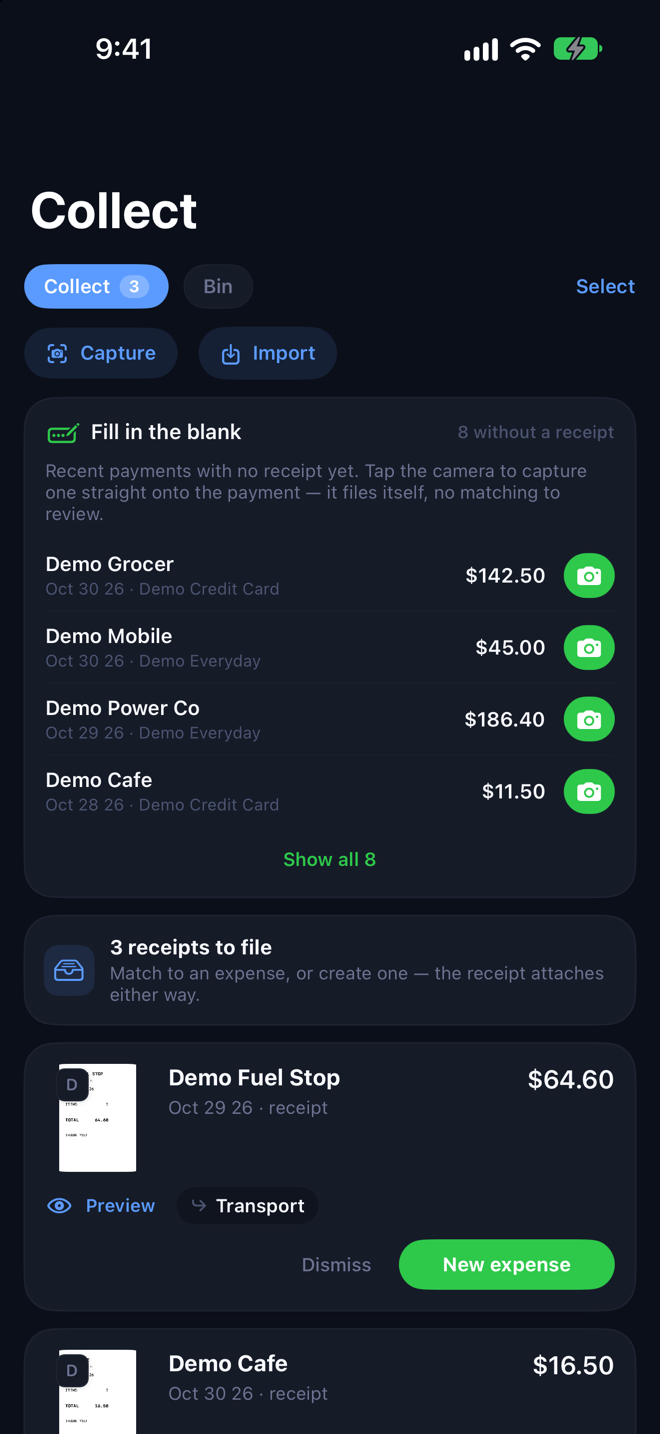
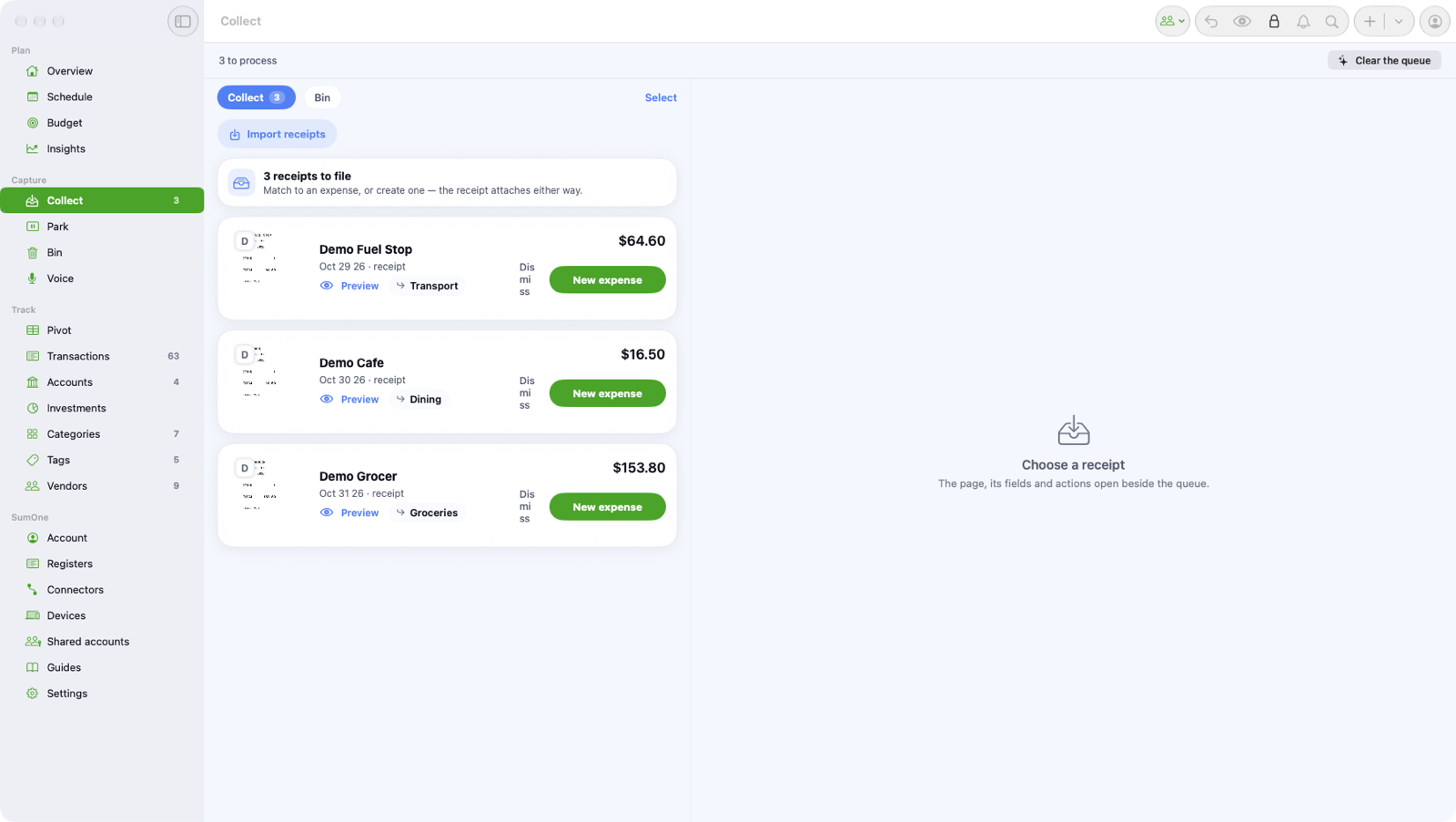
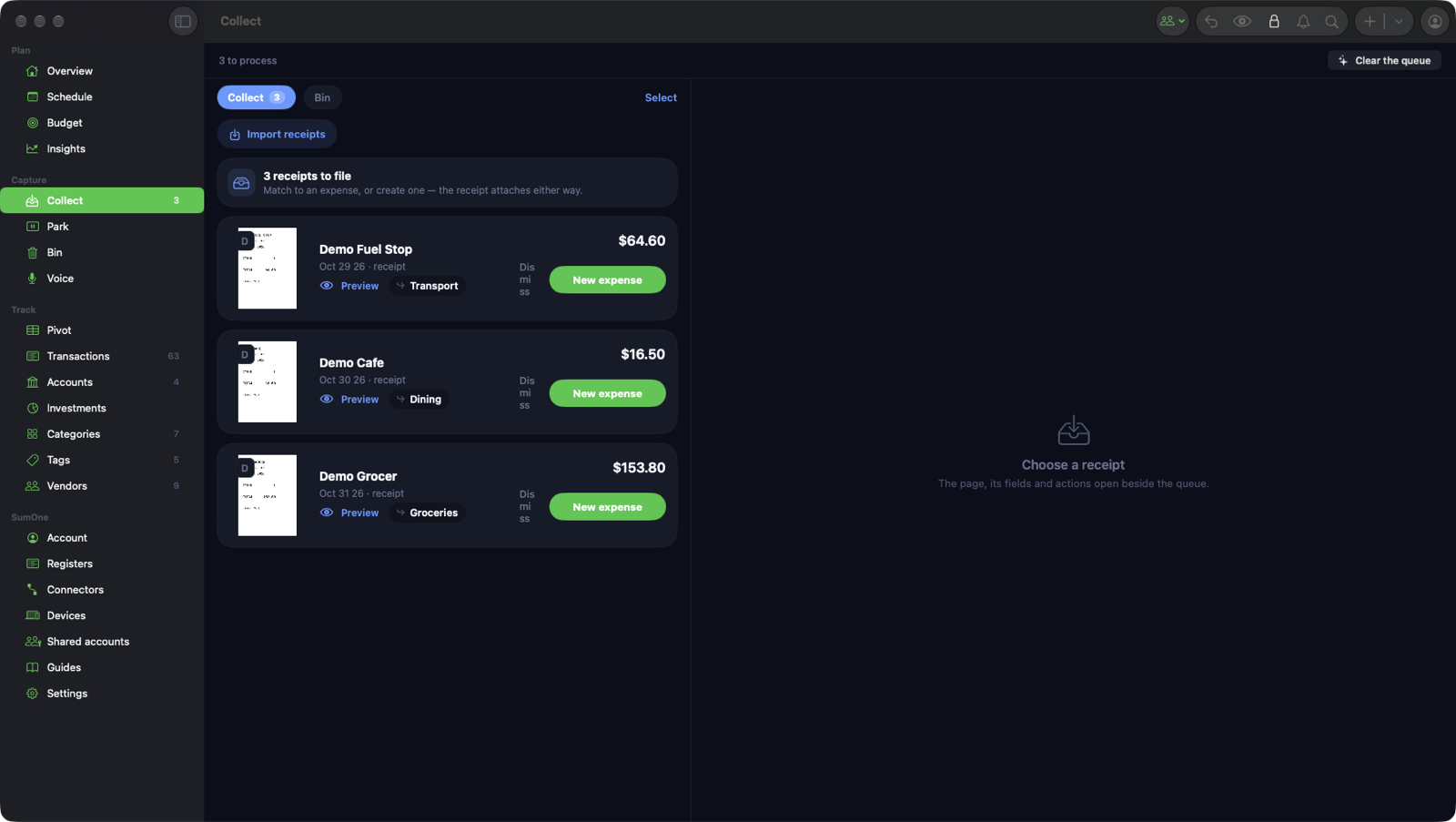
Snap it, drop it, forward it, or let SumMoney find it in your inbox. Each receipt is read on your device and filed against the transaction it belongs to.
Receipts that file themselves
Snap a receipt or forward it to your SumMoney address. Collect reads it and files it against the right transaction.
Snap it on your iPhone
Point the camera at a receipt and the total, the date and the vendor are read on the device. It lands in Collect with the transaction it belongs to already suggested.
Drop it on your Mac
Drag receipts, invoices and statements from Finder or Mail onto the window and they gather in Collect. PDFs are read as text; scans are read as images.
Forward it
Every SumMoney account has its own receipts address. Forward an emailed receipt and it is waiting in Collect, from senders you've approved; anyone new is held for you to decide.
Or let SumMoney read your inbox
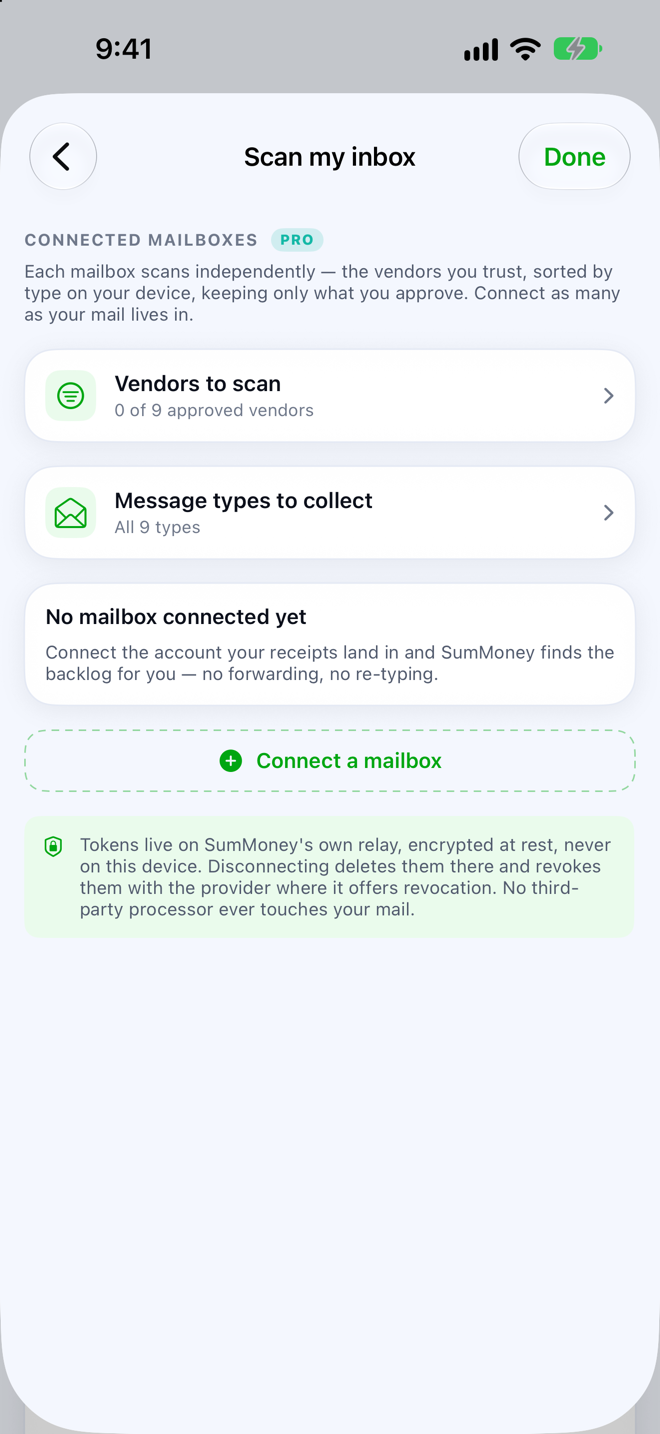
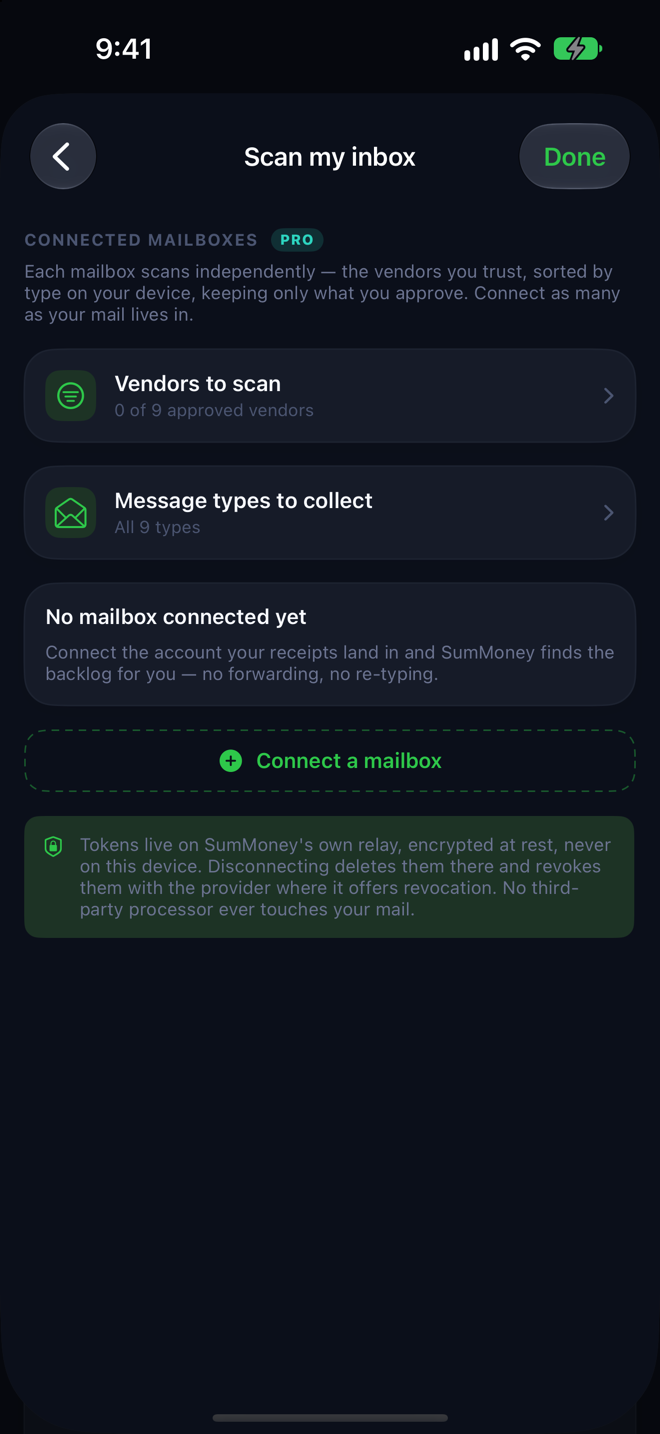
Connect a Gmail, Microsoft, Zoho or any IMAP mailbox and SumMoney finds the receipts in it, shows you what it found, and files the ones you approve.
Everything stays attached
Receipts, files, links and notes sit on the transaction itself, so the proof is there when you need it. Keep attachments in your own cloud folder if you prefer.
Books that balance
Reconciled to the statement, not roughly right.
Statements import as checklists, transfers pair themselves, duplicates are caught on arrival, and cash gets counted. The ledger agrees with the bank, and you can prove it.
Reconcile against the statement
Import a PDF or CSV statement and SumMoney lays it out as a checklist: lines it is sure of are matched, the rest you confirm, create or park. Check the closing balance, mark the period reconciled, move on.
Transfers aren't spending
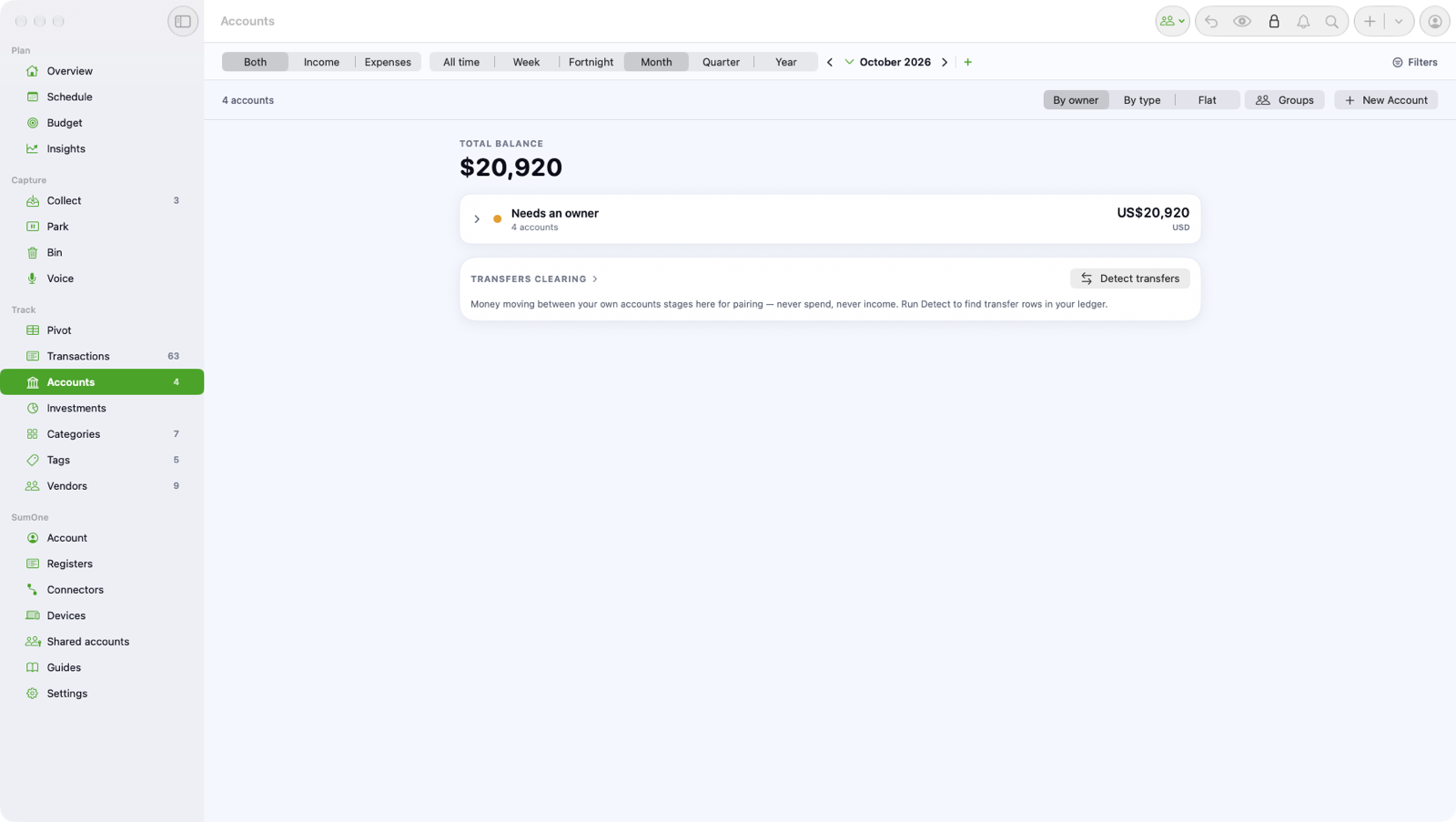
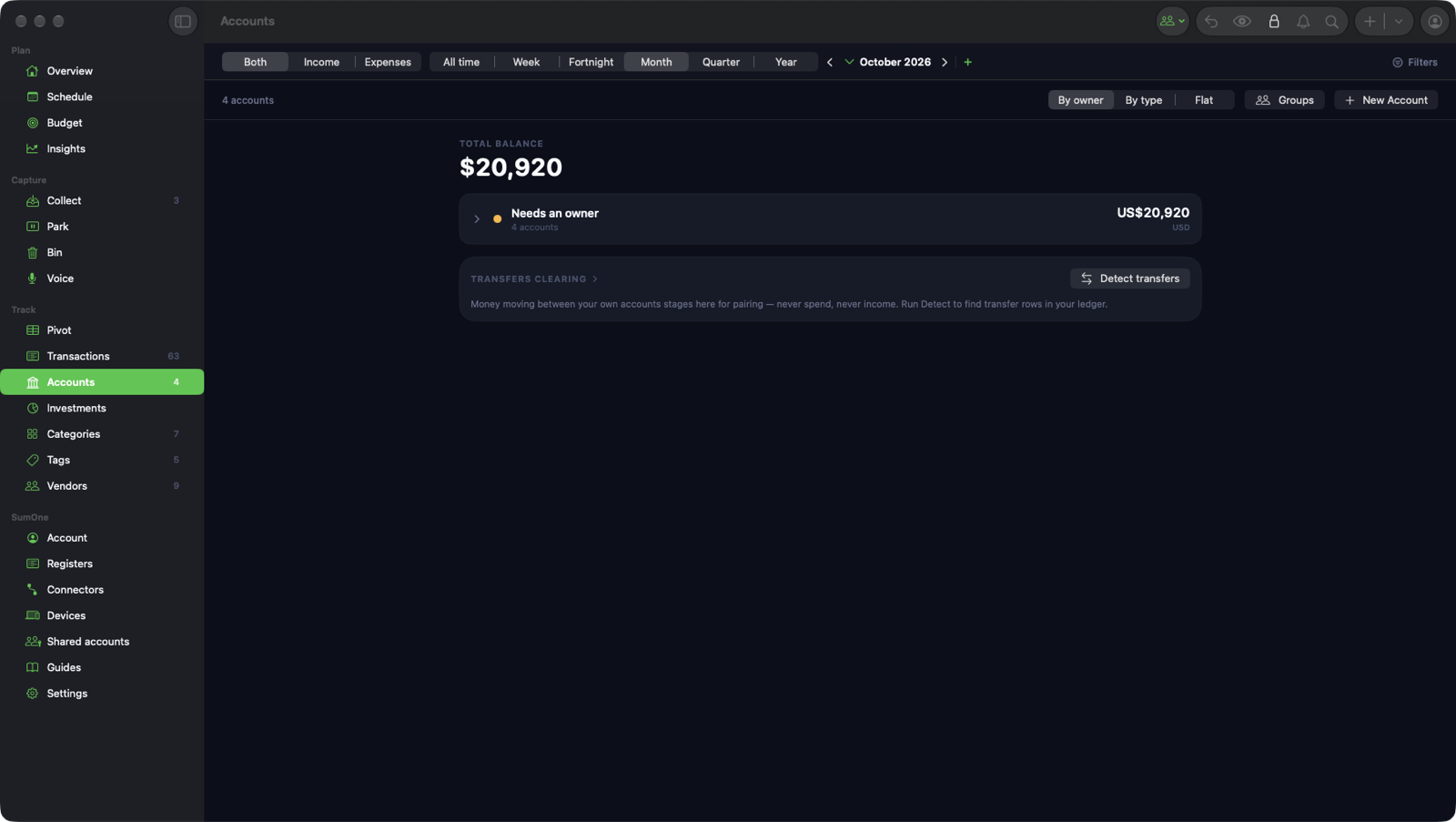
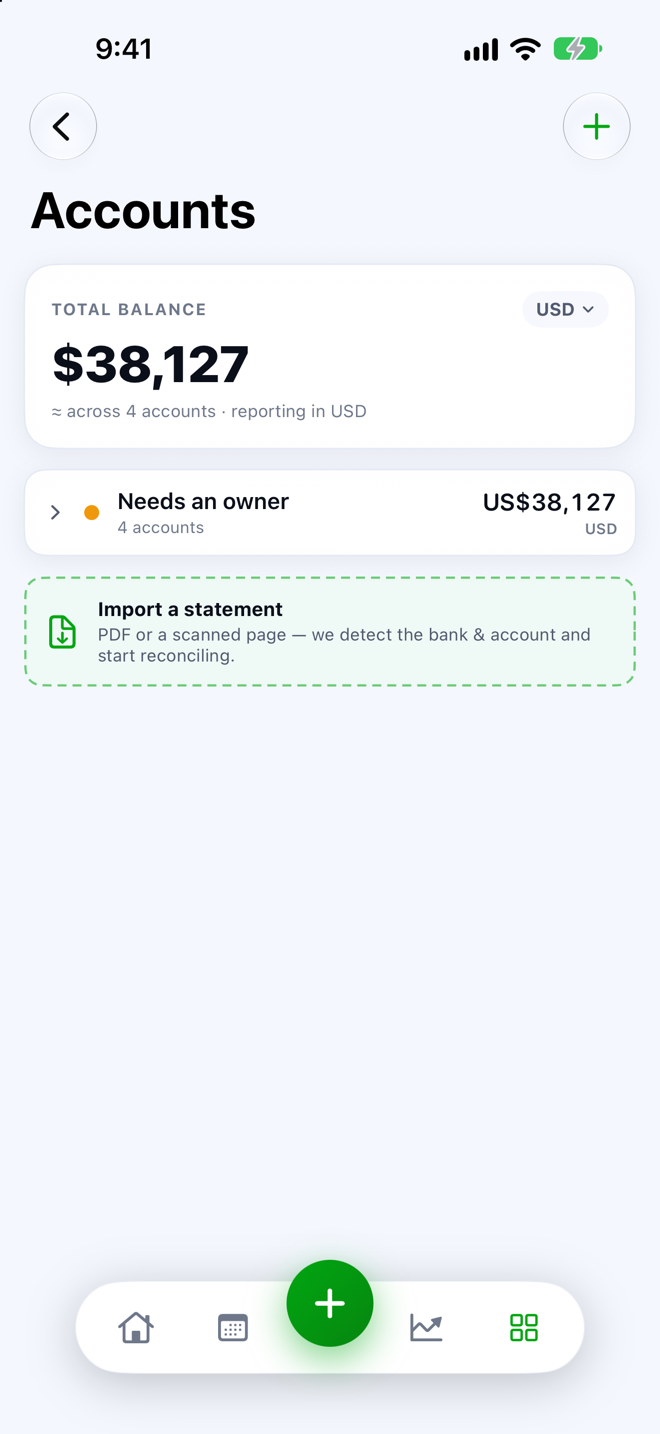
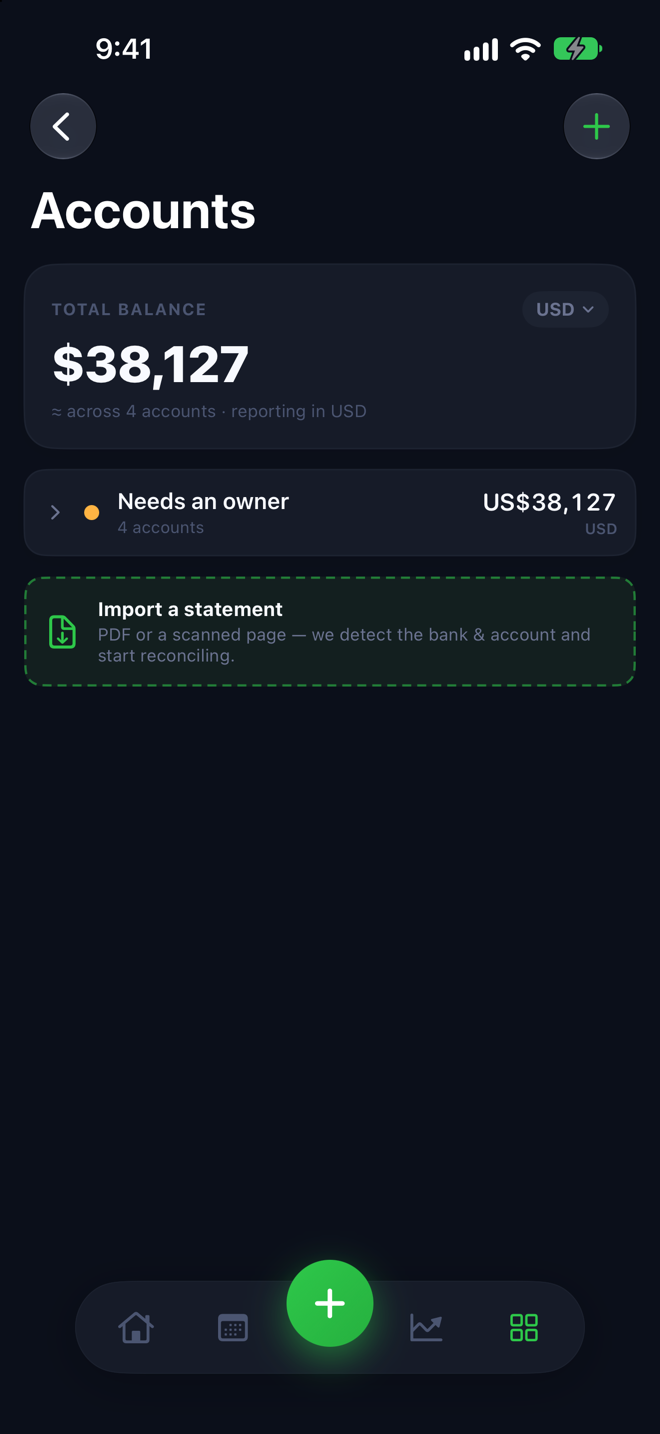
Money moved between your own accounts is paired up, so it never counts as income or expense. A leg without its partner waits for you to review.
Books that stay clean
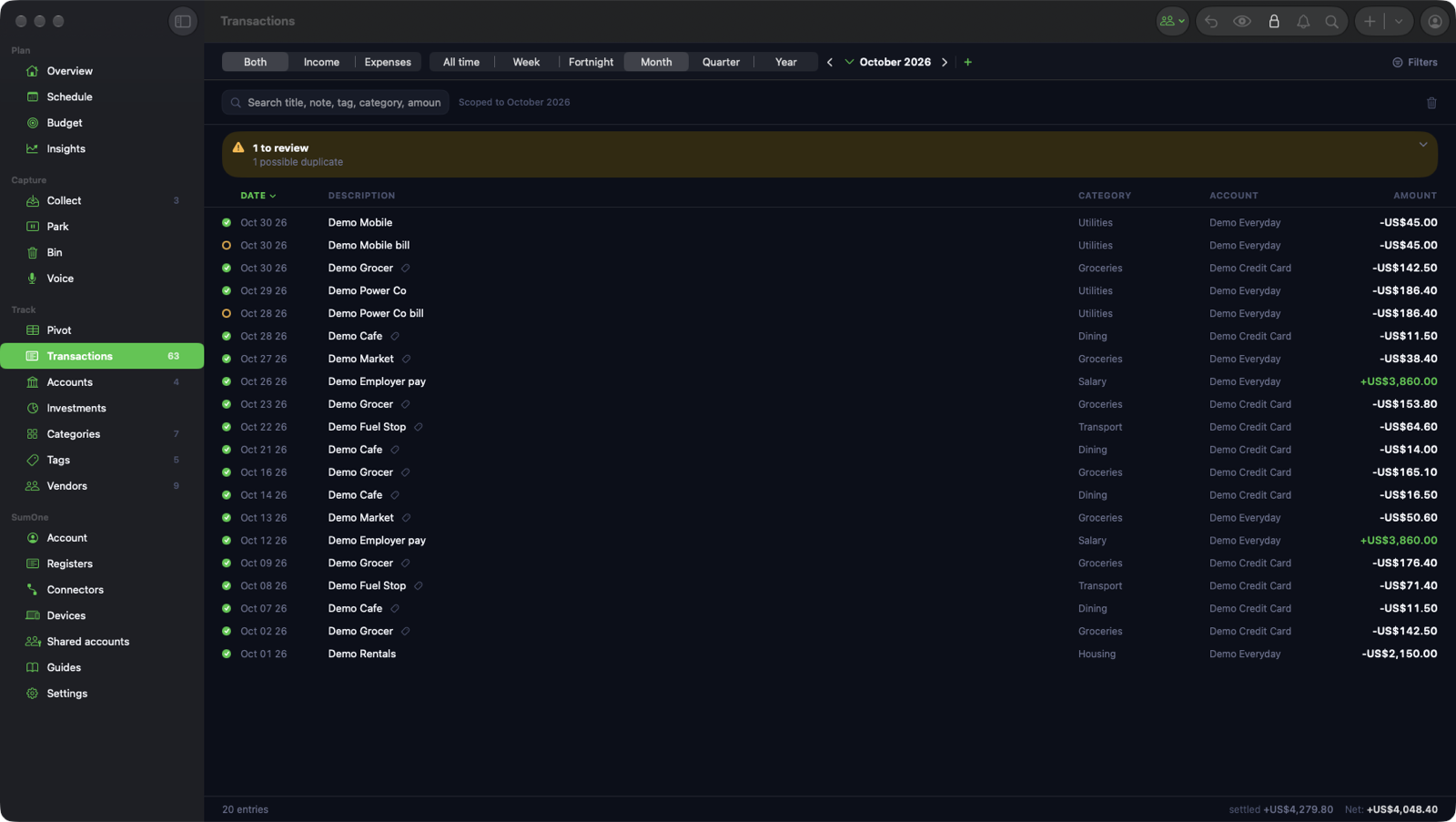
Likely duplicates are flagged as they arrive. Count the cash in your wallet and the cash account is squared. A Data health page lists anything that needs a look.
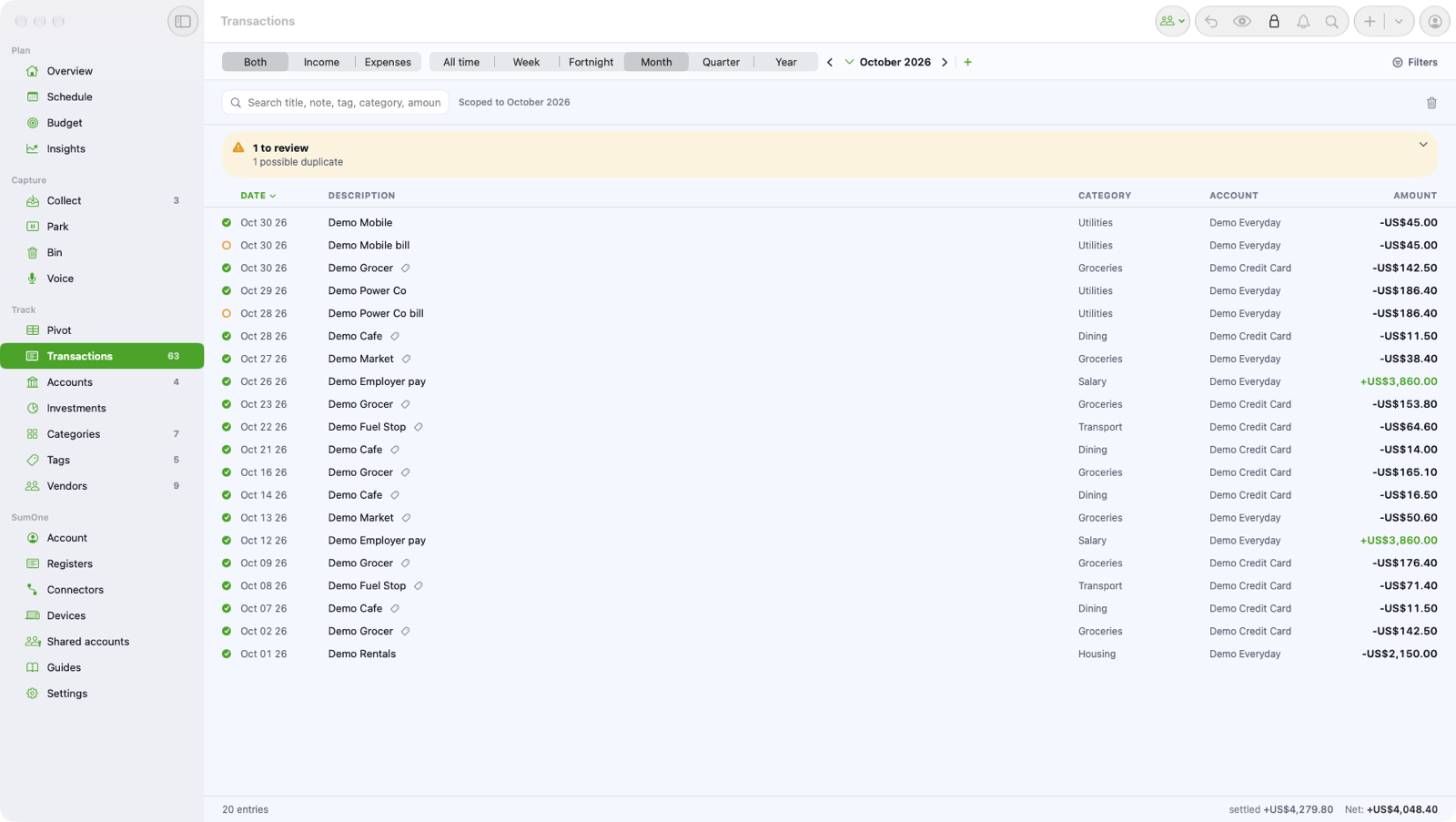
Plan ahead
Know what's due before it's due.
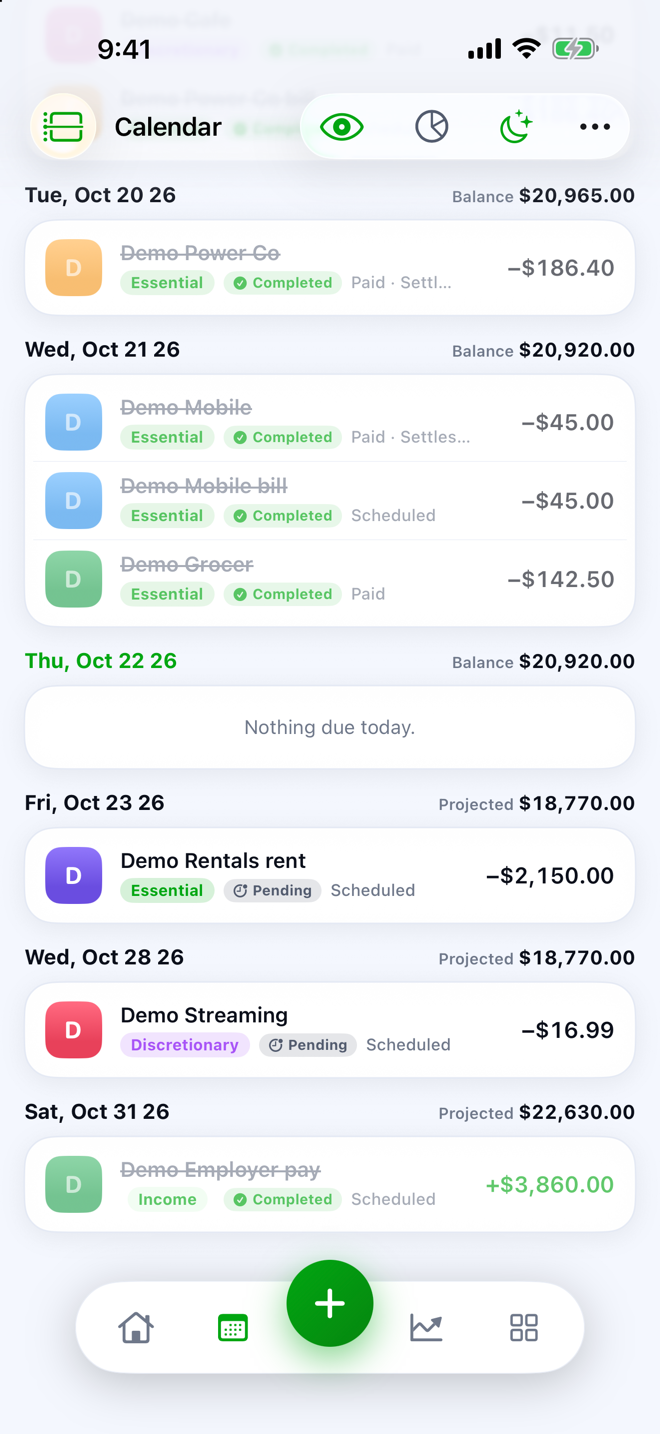
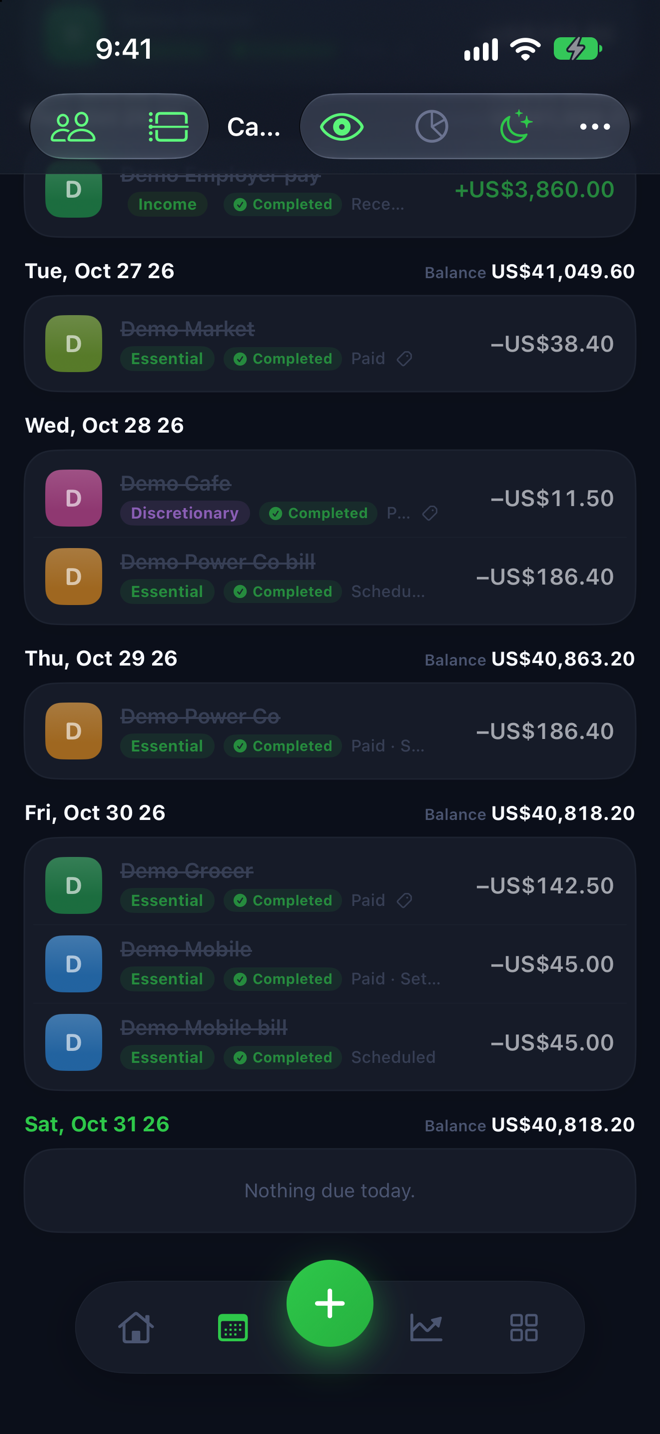
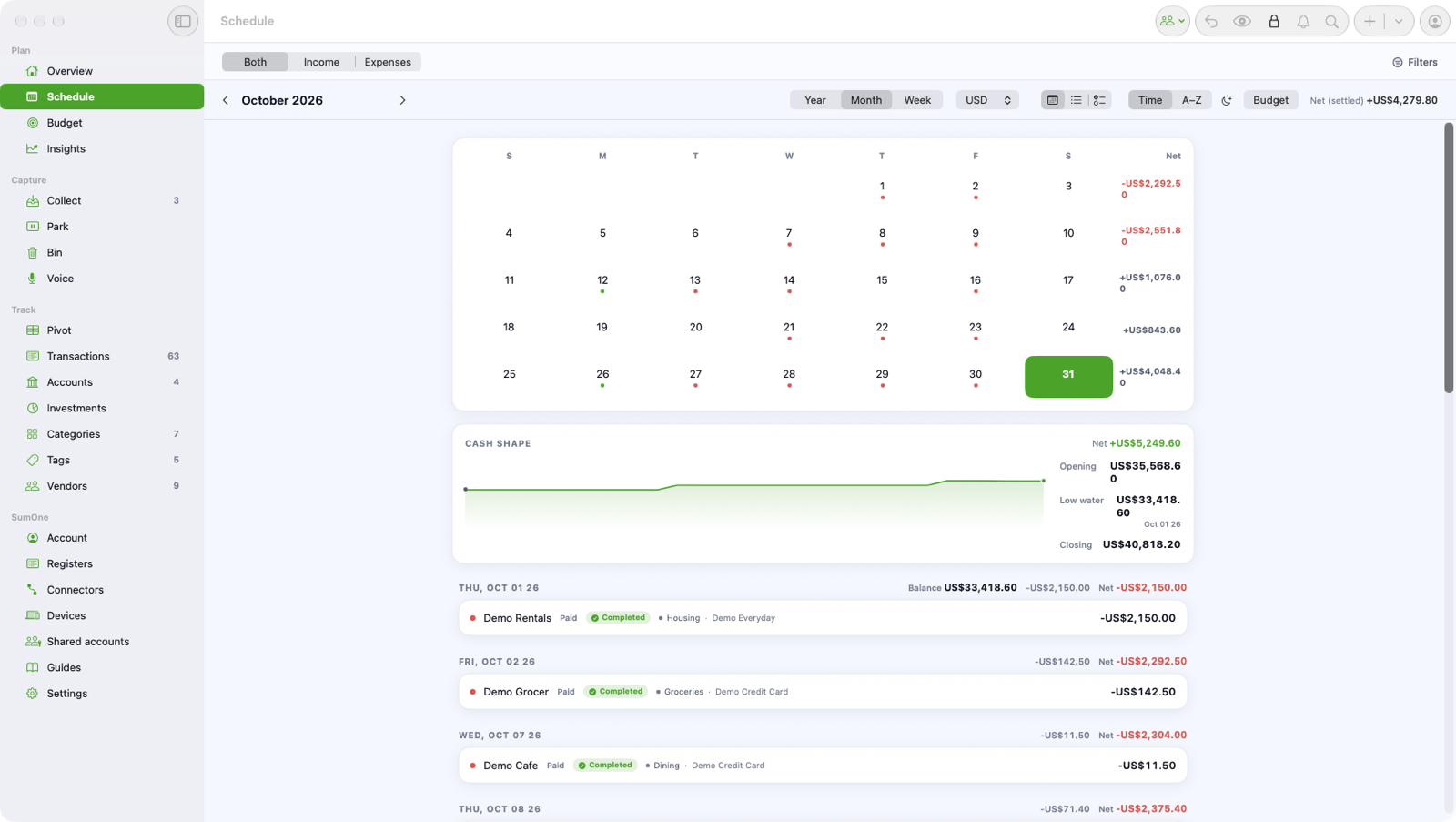
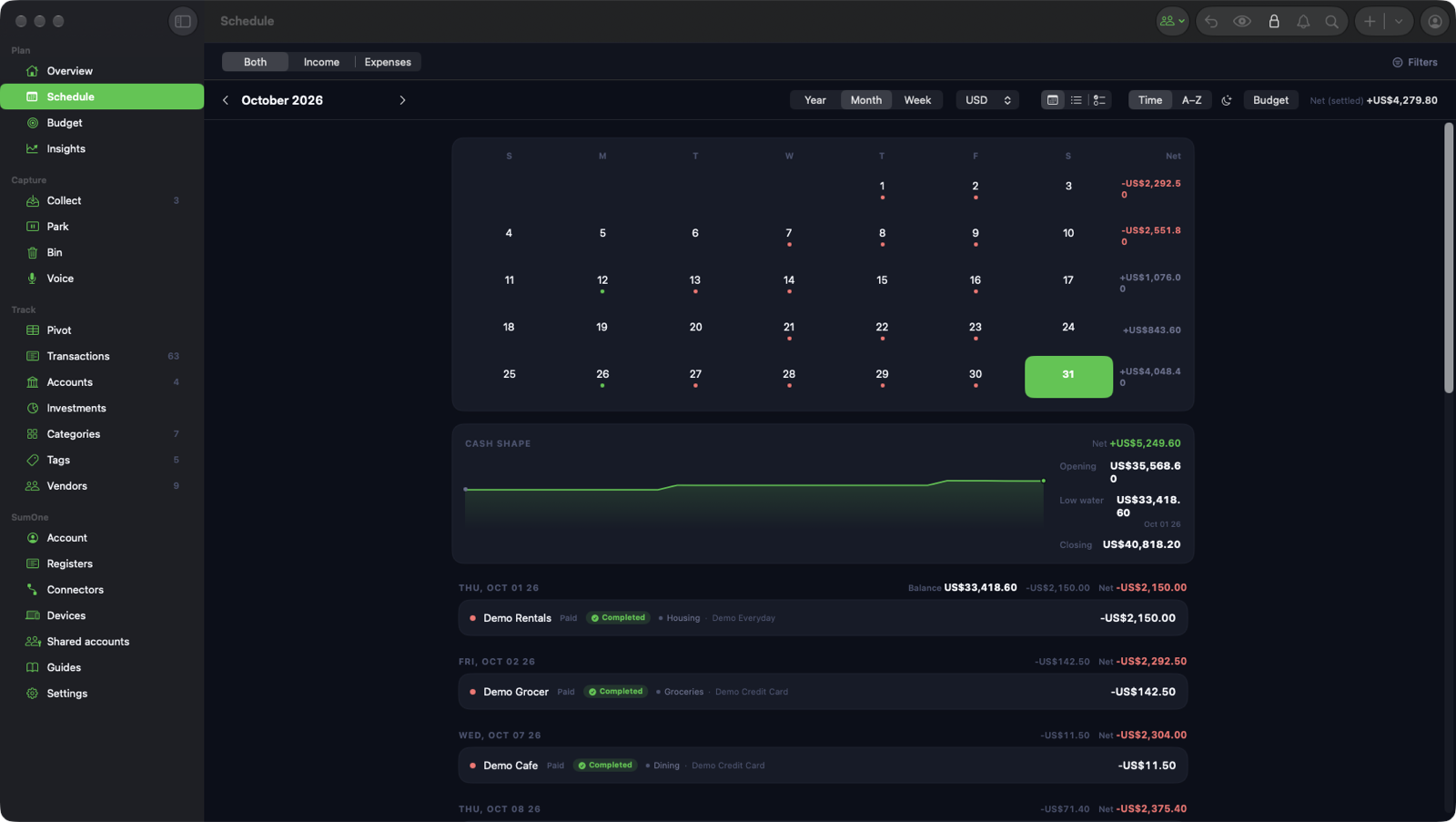
Bills and income recur on a calendar that shows the balance you'll have on each day. Scheduled payments clear themselves when the real ones land, and your iPhone nudges you first.
Bills and income on a calendar
Rent, power, subscriptions, pay day: each recurs on its own rhythm and shows on a calendar with the balance you'll have that day. When the real payment lands, it closes its slot by itself.
Schedules it spots for you
SumMoney notices a charge that comes back every month and offers to make it a schedule. Accept, and it is part of the forecast from then on.
Bills that clear themselves
Scheduled payments match themselves to the transactions when they land, so you always know what's paid and what isn't.
A nudge before it's due
Your iPhone reminds you in the morning, up to two weeks ahead, when a bill is due, when one is overdue, and when your runway is getting short. Planned on the device, with no server involved.
Safe to spend on your home screen
A widget shows the number that matters, hidden until you tap it, so a glance over your shoulder gives nothing away.
Share it, and keep it private
Run it together. Only you can read it.
Share an account with your partner, ask questions out loud, and keep an Emergency Kit that brings everything back. All of it sealed on your devices with a key only you hold.
Share with your partner
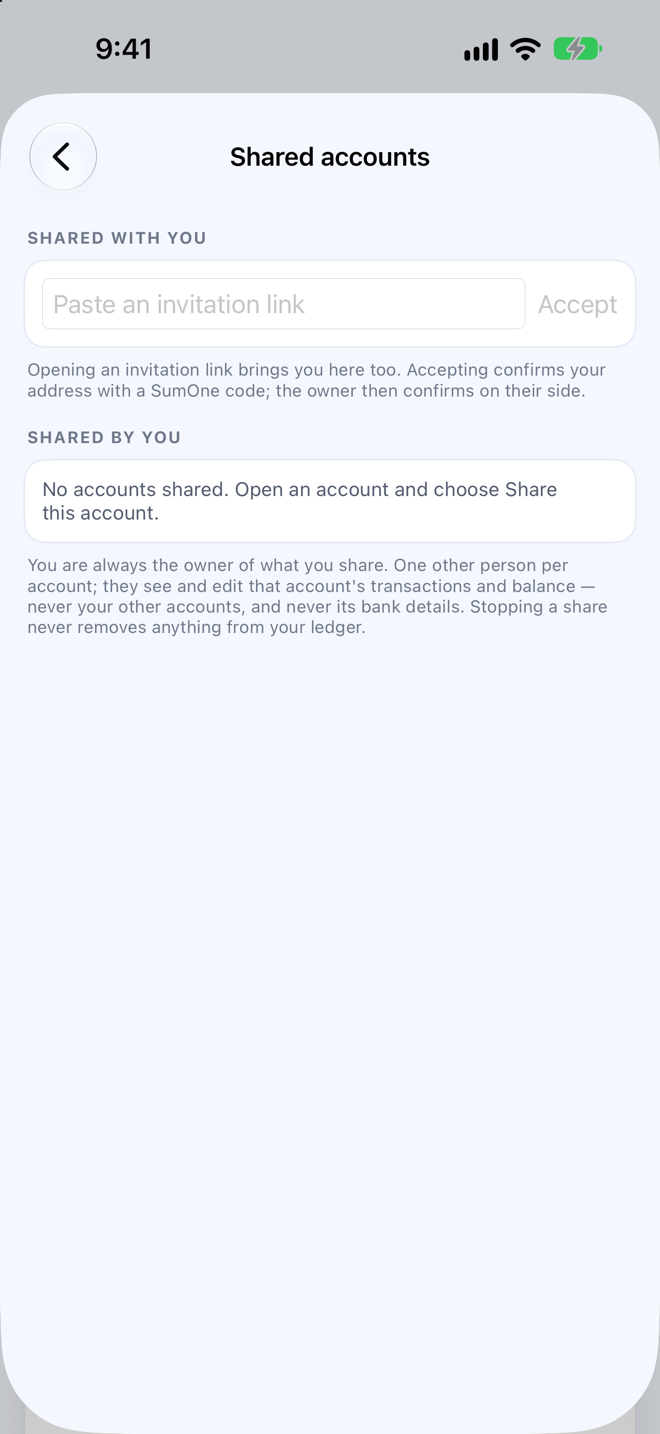
Share an account from its Sharing card and run it together. Only the people you invite can open it.
Just ask
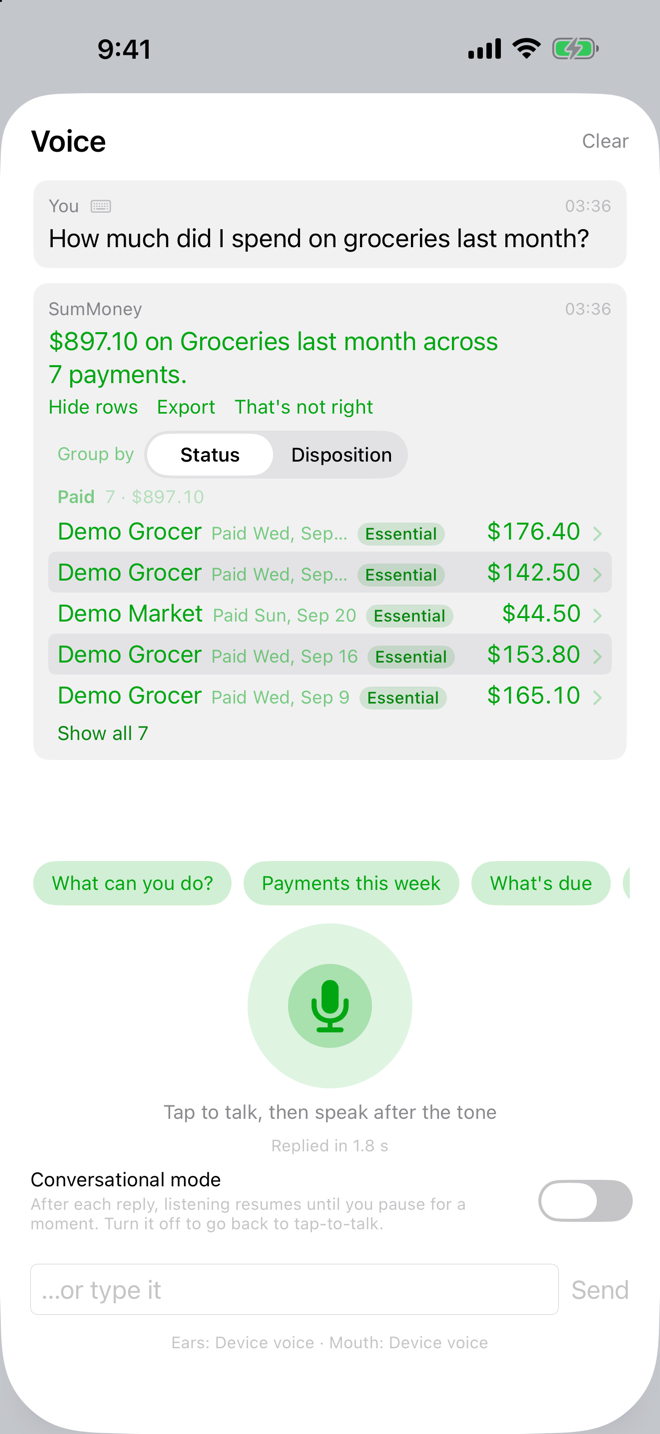
Ask out loud how much you spent on groceries last month, or what's due this week, and get a straight answer. On your iPhone and on your Mac.
An Emergency Kit
Lose a device and you still get back in. Twelve words, made on your device and kept by you, bring your whole ledger back.
End-to-end encrypted
Your ledger is sealed on your device with a key only you hold. The relay that syncs it only ever sees ciphertext.
Yours to take anywhere
Export CSV, OFX for your bookkeeping app, a PDF report, or a bundle with every attachment. A sealed backup file opens with your Emergency Kit words. Export never needs a subscription.
No passwords
Sign in with a one-time code sent to your email. Nothing to remember, nothing to leak.

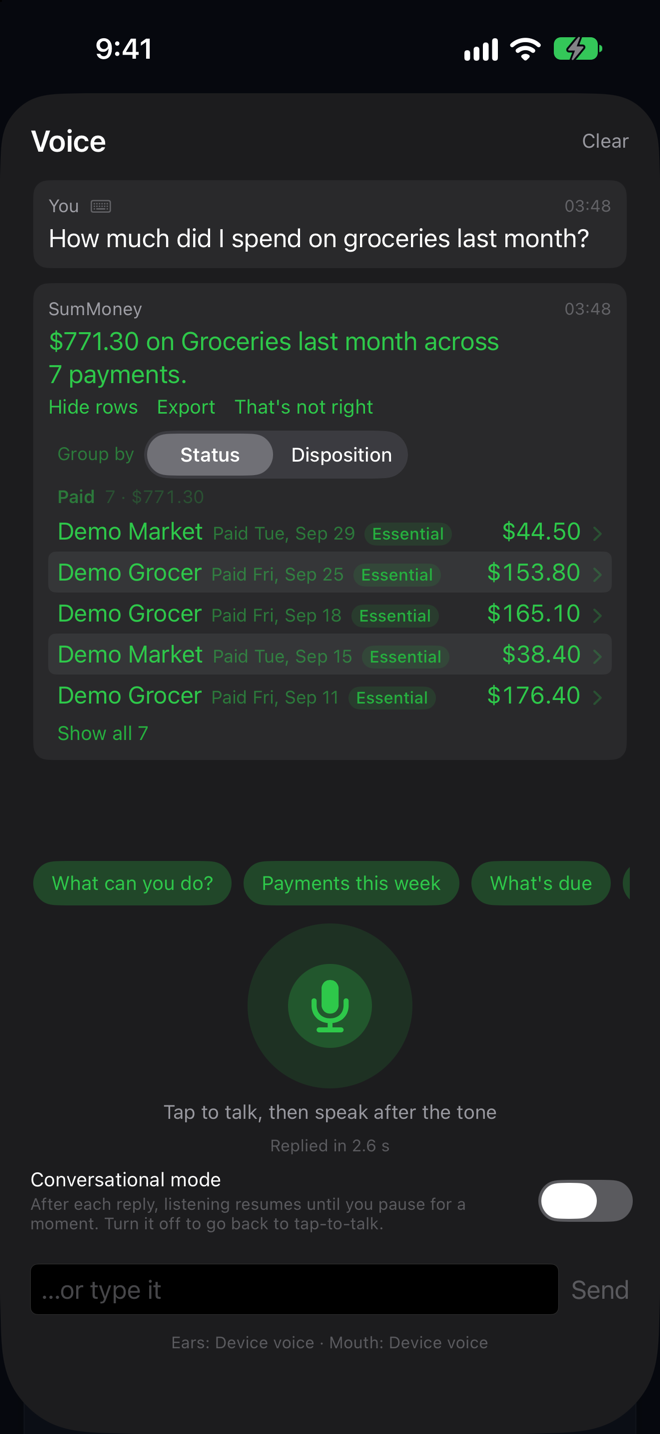
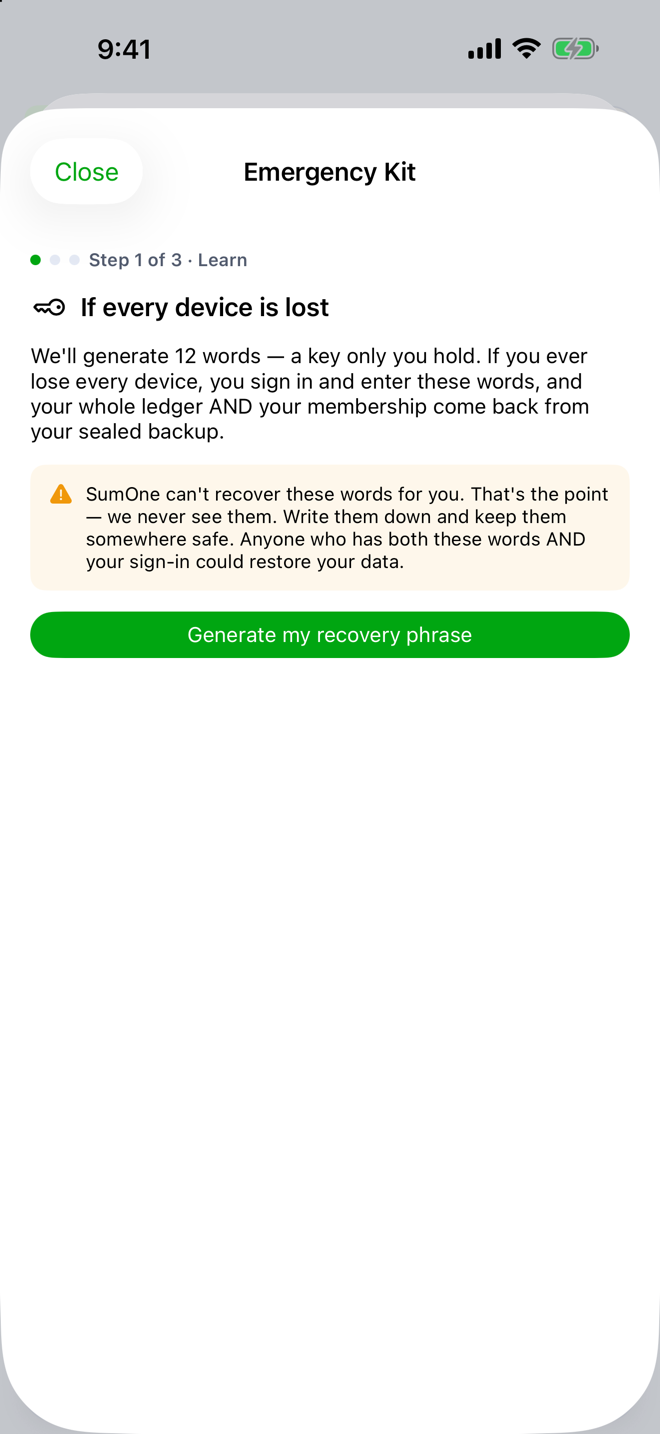

Demo data. Every name and number in these screenshots is invented.
Where you can do it
On your iPhone, on your Mac, or both.
Almost everything runs on both. The camera and reminders are the iPhone's; bank connections, dropped files and pivot tables are the Mac's. The ledger is the same on each.
| What you can do | iPhone | Mac |
|---|---|---|
| Safe to spend, worked out for you | ● | ● |
| Connect your bank | · | ● |
| Find anything | ● | ● |
| Insights that explain the month | ● | ● |
| Pivot tables on the Mac | · | ● |
| Budgets that count what's committed | ● | ● |
| Essential, important, discretionary | ● | ● |
| Categories that learn | ● | ● |
| Tags across everything | ● | ● |
| Vendors you recognise | ● | ● |
| Snap it on your iPhone | ● | · |
| Drop it on your Mac | · | ● |
| Forward it | ● | ● |
| Or let SumMoney read your inbox | ● | ● |
| Reconcile against the statement | ● | ● |
| Transfers aren't spending | ● | ● |
| Bills and income on a calendar | ● | ● |
| A nudge before it's due | ● | · |
| Safe to spend on your home screen | ● | · |
| Share with your partner | ● | ● |
| Just ask | ● | ● |
| An Emergency Kit | ● | ● |
| Yours to take anywhere | ● | ● |
Compared
How SumMoney compares.
SumMoney next to YNAB, Monarch, PocketSmith, Copilot, Quicken, Banktivity, MoneyWiz and WeMoney, row by row, each cell from the vendor's own pages. See the comparison.
Waitlist
Be one of the first in.
SumMoney is by invitation, and invitations go out from this list. Join it and yours arrives by email. ★ Founding rate for early members